
Get paid with a QR code — no extra hardware, no fuss.
Your customer scans, you get paid. The money lands in your PayWise account and settles to your bank next business day.
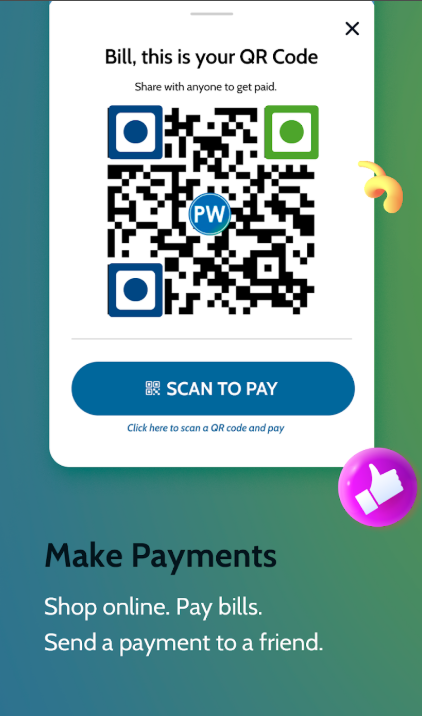

Take cards and PayWise wallets from a single QR code
Your customer can pay with their PayWise balance, or with a Visa, Mastercard or LINX card. They don't need the PayWise app to pay you by card.

Wallet-to-wallet payments are free. Card payments are 3.5% + $3.00 TTD, settled to your bank next business day. See all fees
Get paid from the app, right from your phone
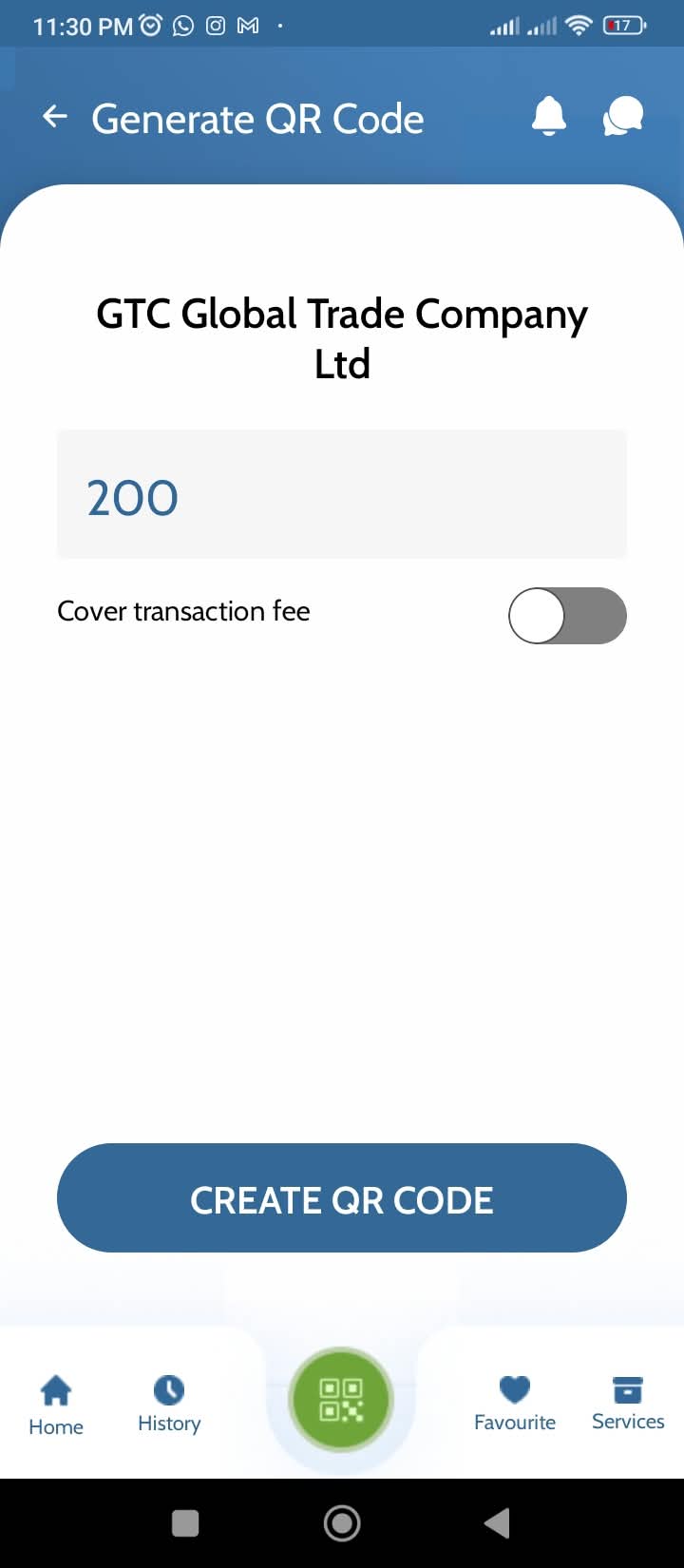
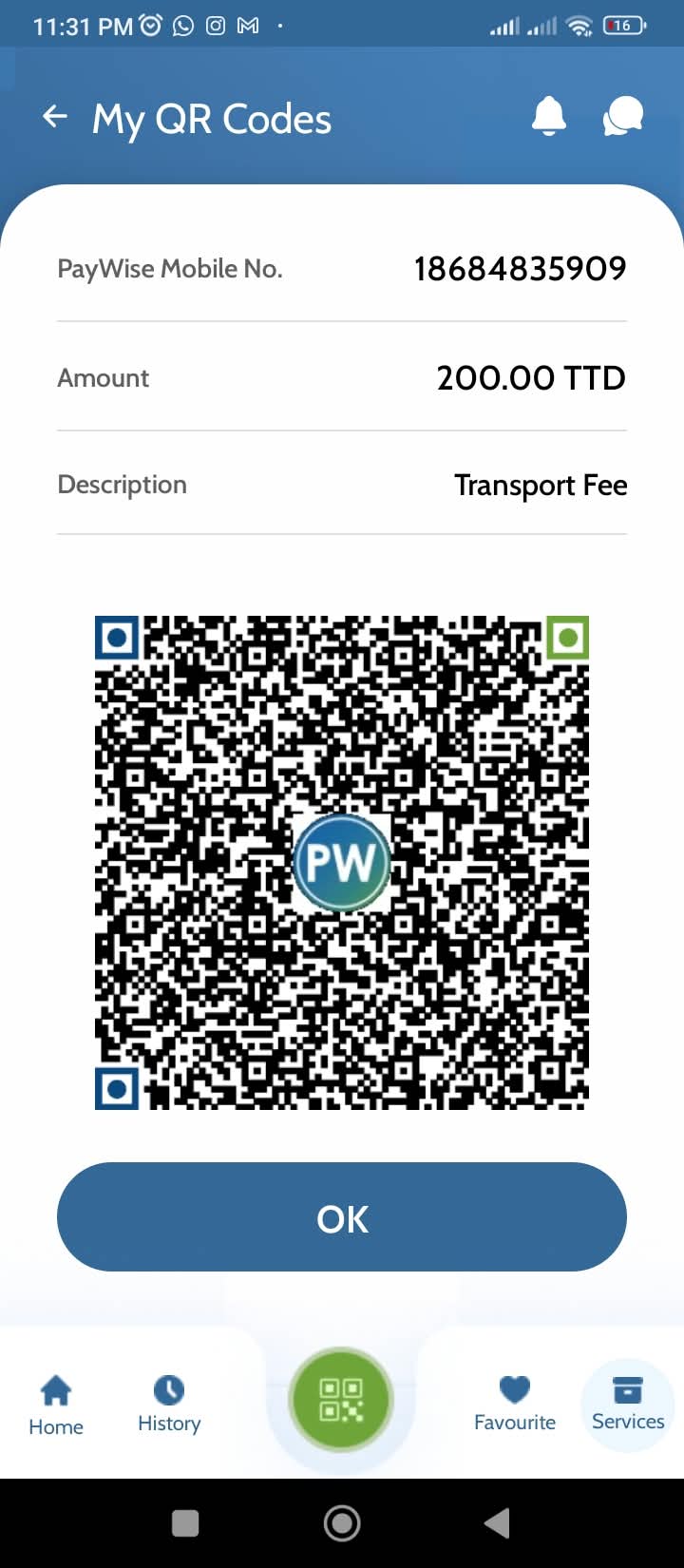
- Enter the amount and generate your QR Open "My QR codes" in the PayWise app and create a code for the sale — or use a static code for your counter.
- Show the code to your customer On your screen, a printed poster, or the card at your till.
- They scan and pay — you get the confirmation PayWise users pay in-app. Everyone else pays by card on the page that opens. You both get a receipt.
Start accepting payments with terms that fit your business
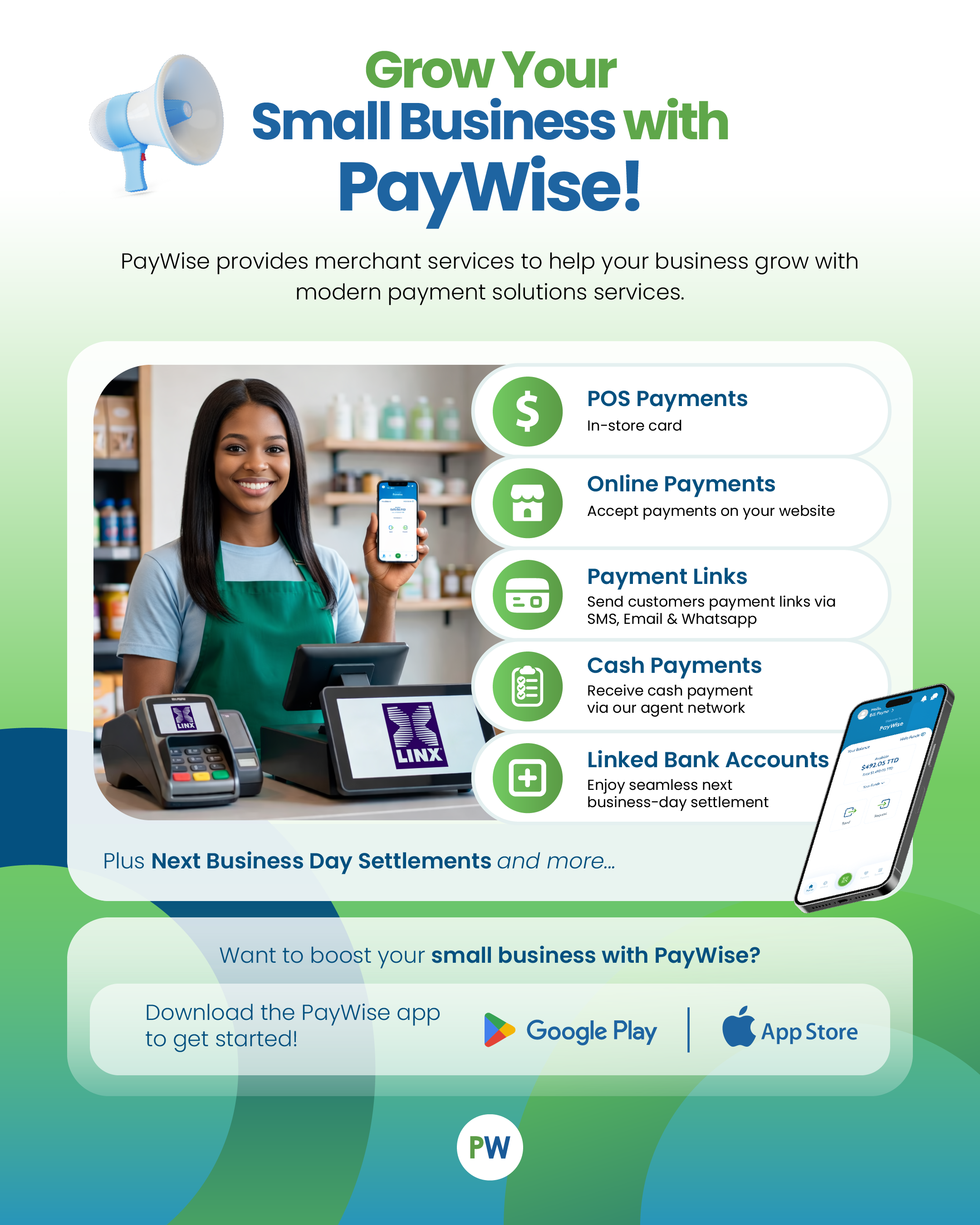
Shopkeepers, market vendors, freelancers and service providers — if you take payments today, you can take them by QR tomorrow. No monthly terminal rental. No minimum hardware spend.
- No extra hardware to buy or rent
- One QR for the counter, one for each sale
- Get your money without the bank queue
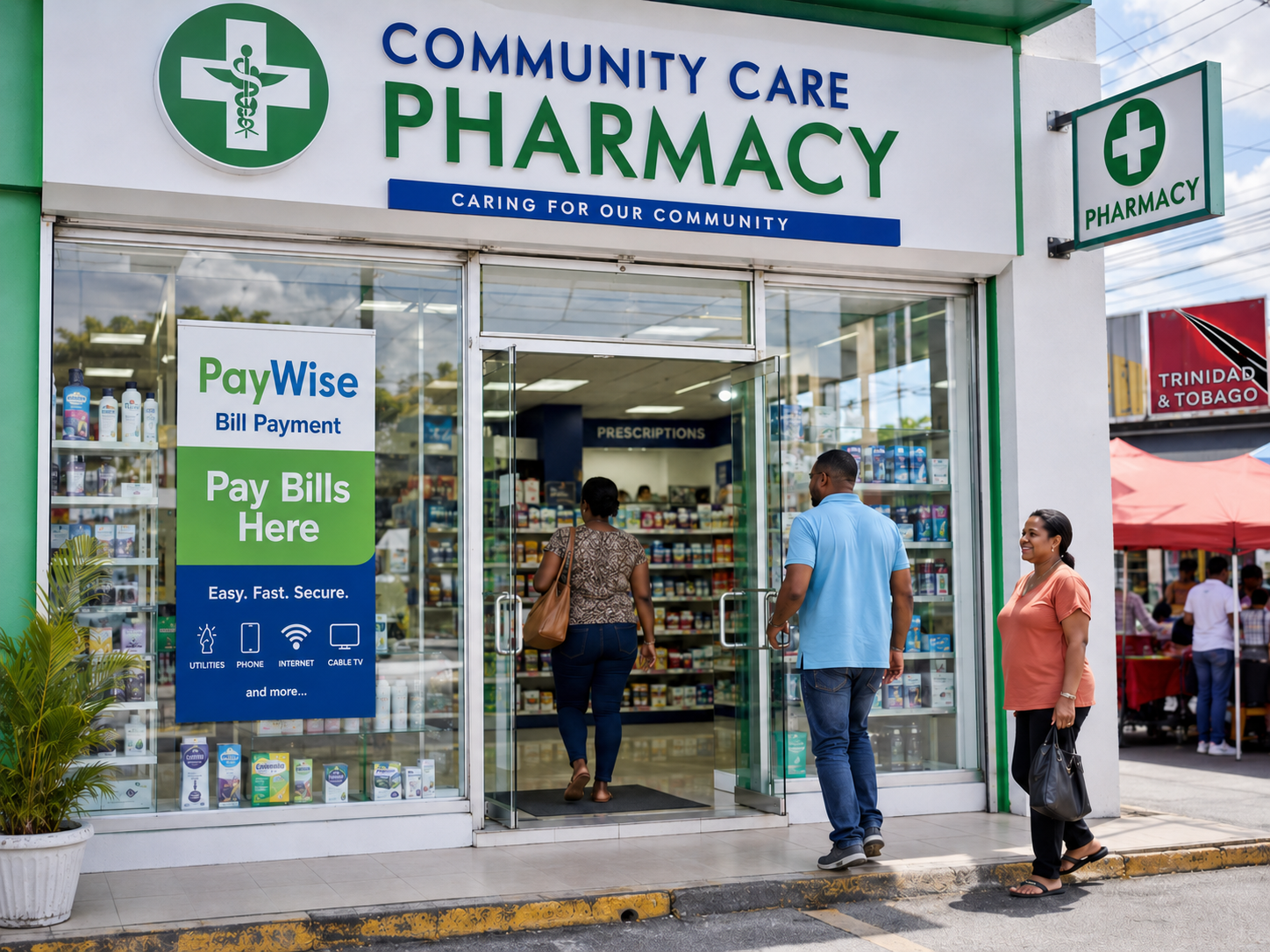
Put your QR where customers can see it
- Print your code and keep it visible at the counter, stall or door.
- Customers scan it with the PayWise app, or just their phone camera.
- They pick how to pay and confirm — you don't lift a finger.
Know what you pay, and when you get your money
Simple, published fees. You choose how your customers pay; we show you the cost of each.
| How they pay | When you're paid | What it costs |
|---|---|---|
| PayWise wallet (wallet-to-wallet) | Instantly | Free |
| Credit or debit card | Next business day | 3.5% + $3.00 TTD |
| Bank transfer in | — | Free |
| Bank transfer out | — | $2.00 |
Also on PayWise: pay at agent 1% (min $8) · cash out at agent TBA · bank transfer return $5.00. Full list at paywise.co/fees.
Tools to run the rest of your business
Taking the payment is the start. PayWise gives you the pieces to run the money side of the shop.
Bulk payments
Pay staff and suppliers in one go, straight from your account.
Invoicing & payment links
Send a link by SMS, email or WhatsApp and get paid online.
LINX POS & ePOS
Add card acceptance at the till alongside your QR code.
Reporting
See every sale and payout in one place, ready to reconcile.
Your PayWise account does more than take payments
- Pay 12+ bills — T&TEC, WASA, Flow, Digicel, bMobile, TSTT and more.
- Top up mobile, pay services and manage day-to-day money.
- Send and receive money wallet-to-wallet, free.
- Use your PayWise card wherever cards are accepted.
Get your money out, your way
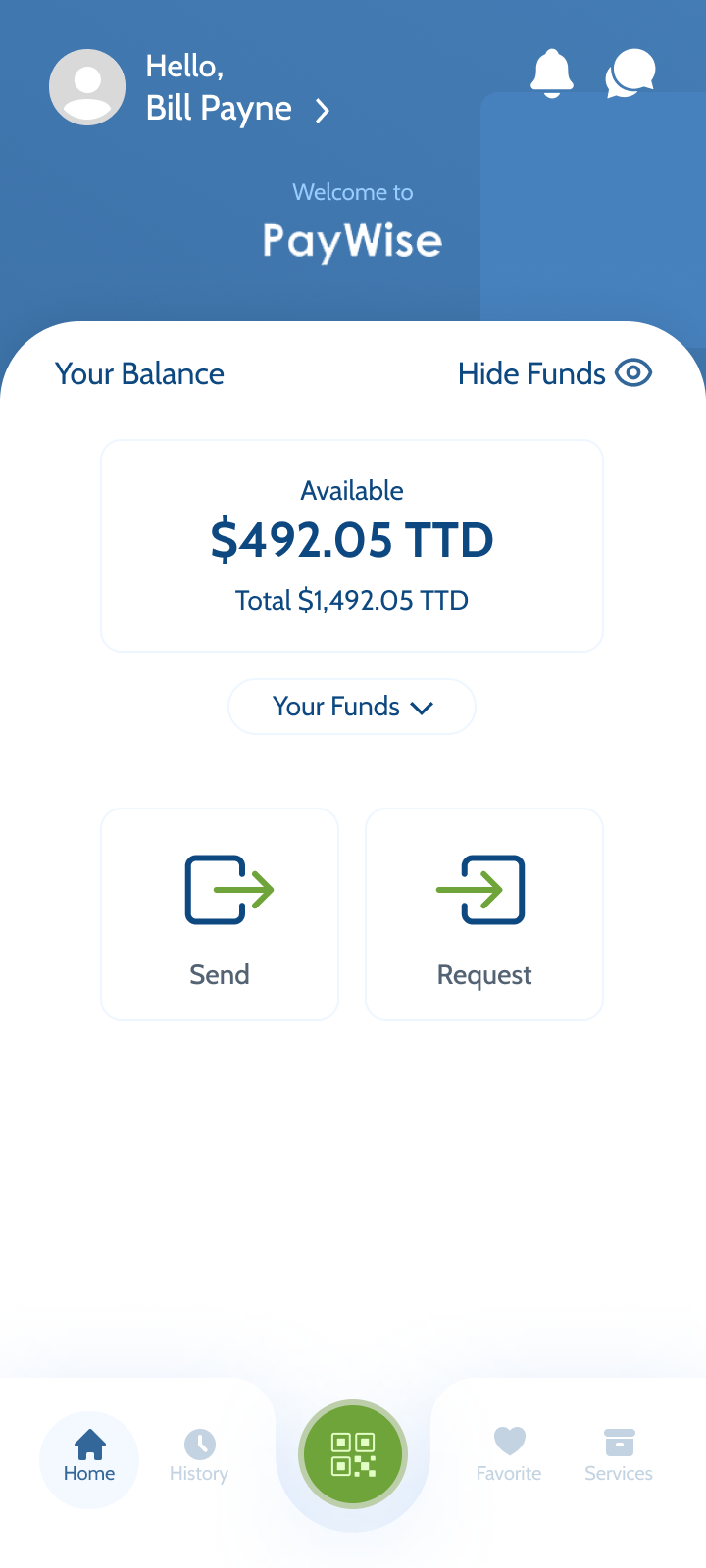
- Cash out at any PayWise agent location across Trinidad & Tobago.
- Transfer to your bank account for $2.00.
- Keep it in your wallet and spend it — wallet-to-wallet is free.
FAQ about QR payments
What does it cost to receive QR payments?
Which payment methods can my customers use?
How do I make a QR sale?
How do I see my QR payments?
Start getting paid with QR today
Download the PayWise app, generate your first code and take your first QR payment in minutes.
PayWise Limited is licensed by the Central Bank of Trinidad and Tobago and registered with the Financial Intelligence Unit. PayWise is a payment service, not a bank — funds held in PayWise accounts are not bank deposits and are not insured as such. Fees shown are current as published at paywise.co/fees and may change.