Taking payments used to mean cash, a card machine, or both. A QR code changes that: one code, printed or on your screen, lets a customer pay from their phone in seconds — no cash, no change to count, no terminal rental.
Here's exactly how it works with PayWise, start to finish.
How do I get my QR code?
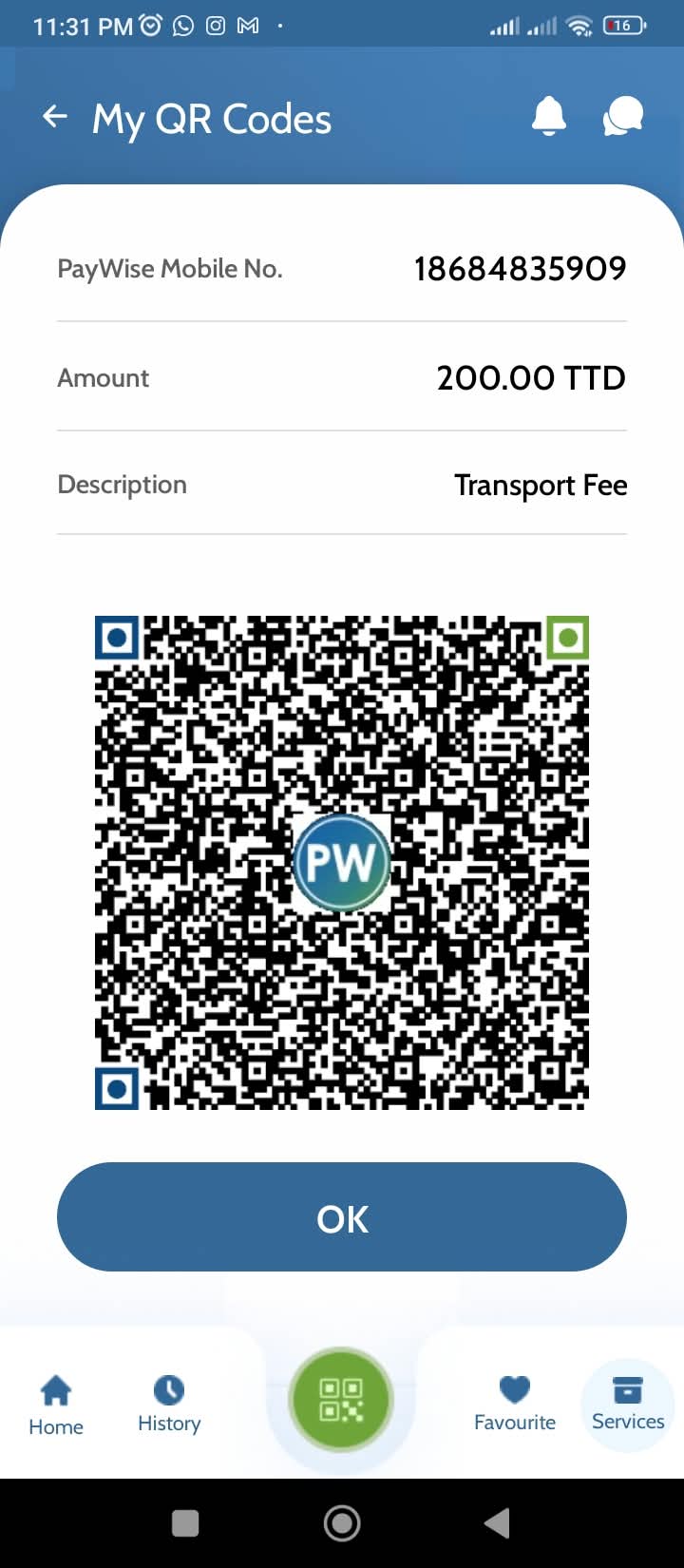
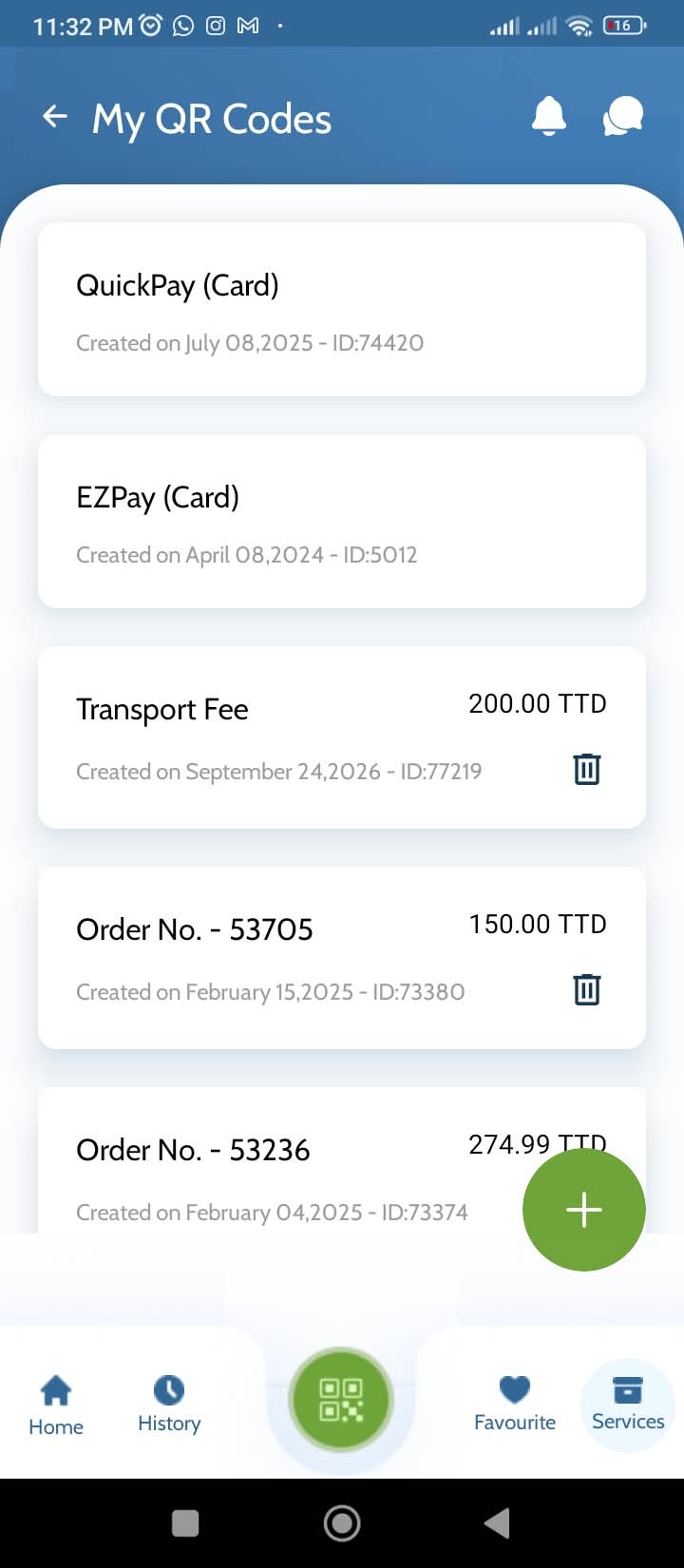
Open the PayWise app and go to My QR codes. From there you can create two kinds of code:
- A static code — one code tied to your account, printed and left at your counter for customers to scan any time.
- A dynamic code — a fresh code for each sale, generated with the amount already filled in. Useful when you want the exact total on screen.
Your code is linked to your PayWise account, so payments land with you and nowhere else. Set it up once and you're ready to take payments.
How do customers pay with QR?
Once your code is on display, your customer simply scans it.
- They scan the code — with the PayWise app or their phone camera.
- They choose how to pay — from their PayWise balance, or with a Visa, Mastercard or LINX card.
- They confirm, you get paid — both of you receive a confirmation, and the customer can download or email a receipt straight away.
Your customer doesn't need the PayWise app to pay you. If they don't have it, scanning opens a page where they enter their card details and pay online.
How do I see QR payments in my account?
Every QR sale shows up in your PayWise activity and transaction history. From there you can:
- Track sales as they come in.
- Resend a receipt to a customer if they need one.
- Keep a clean record for reconciling your books at month end.
Do you charge me for receiving QR payments?
There's no charge to set up your QR code or your account. You only pay per payment, and the cost depends on how your customer chooses to pay:
- PayWise wallet (wallet-to-wallet): free.
- Credit or debit card: 3.5% + $3.00 TTD, settled next business day.
- Bank transfer in: free.
- Bank transfer out: $2.00.
There are no monthly terminal rentals and no minimum hardware spend — your QR code is part of the app. You can see the full list any time at paywise.co/fees.
Ready to take your first QR payment? See how PayWise QR payments work.