Home Solutions TT — GHL Configuration Sprint

Real Estate Development Pipeline: Real Estate Started: June 16, 2026
0 / 0 steps done 0 of 8 phases
0%
0 1 2 3 4 5 6 7
📋

Phase 0: Discovery & Strategy

0/5 Pending ▼
  • Collect Marketing Brain HTML (auto-discovered or ask equivalent questions)
  • Extract focus cluster, buyer persona, customer journey
  • Select industry pipeline template: Real Estate
  • Map customer journey → bot role → pipeline stages
  • Present strategy brief to team (see artifact for details)
Cluster: The Aspiring Owner (First-Time Homebuyers) · Bot role: Qualify leads, capture preferences/budget, book site visits · Pipeline: Real Estate
📄

Strategy Brief

Focus cluster, offer, pipeline template, bot role, brand voice, audience summary, channel map.

💬

Conversation Flow

Full approved bot flow with all questions, DQ types, and booking step.

🏗️

Phase 1: Account Foundation

0/6 Pending ▼
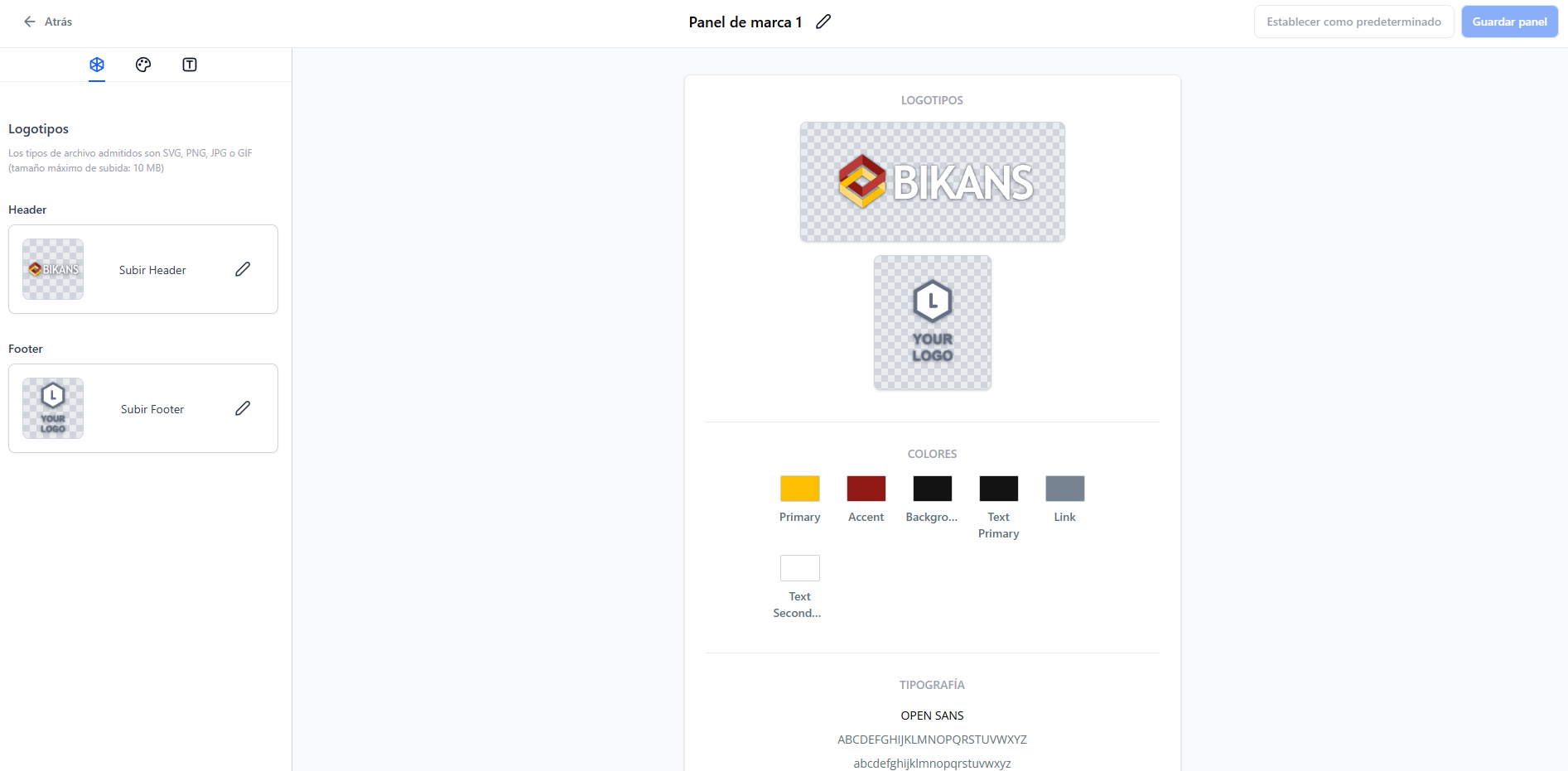
  • Upload agency logo & set brand kit colors
  • Configure brand kit typography, social links, favicon
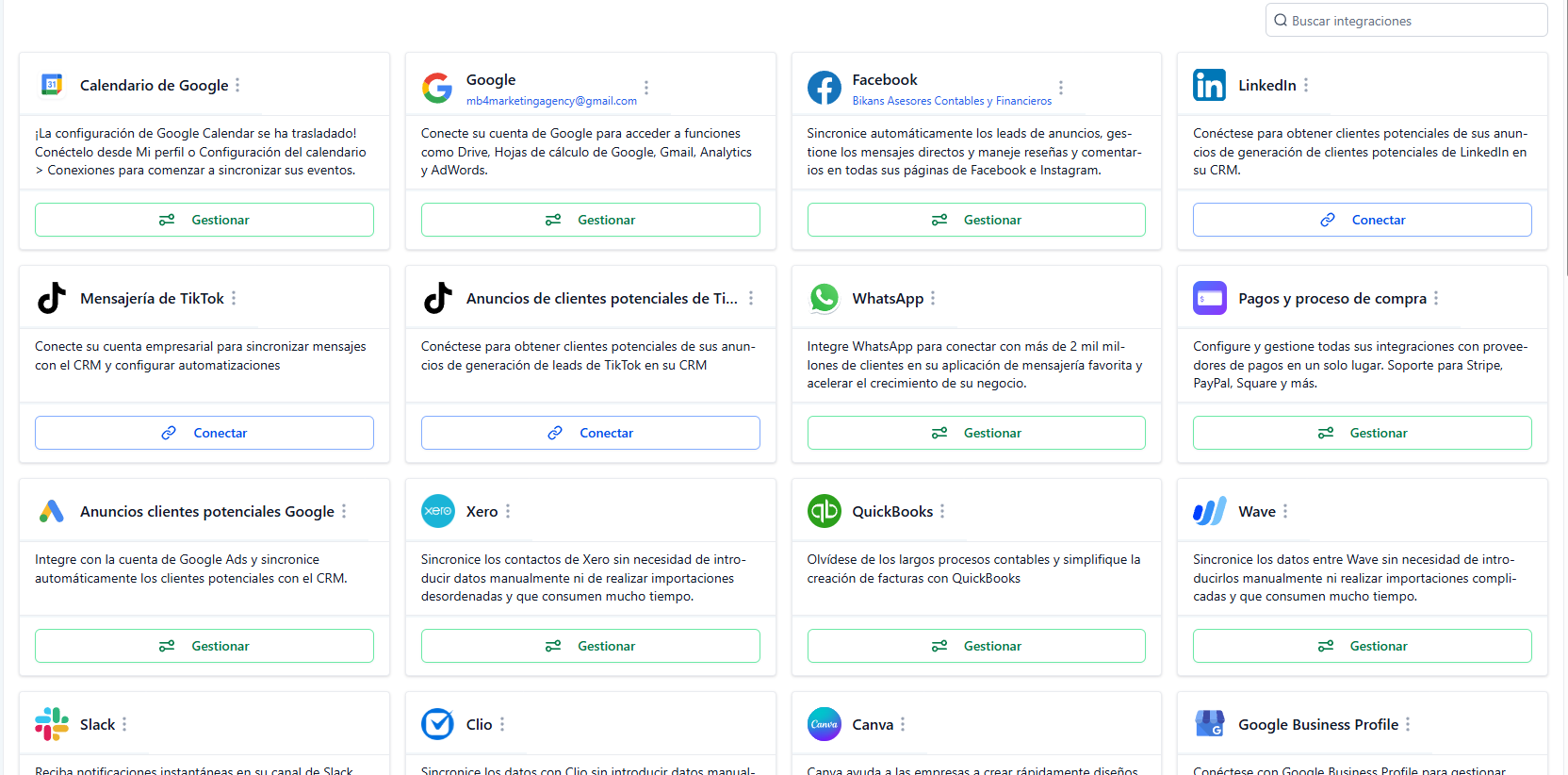
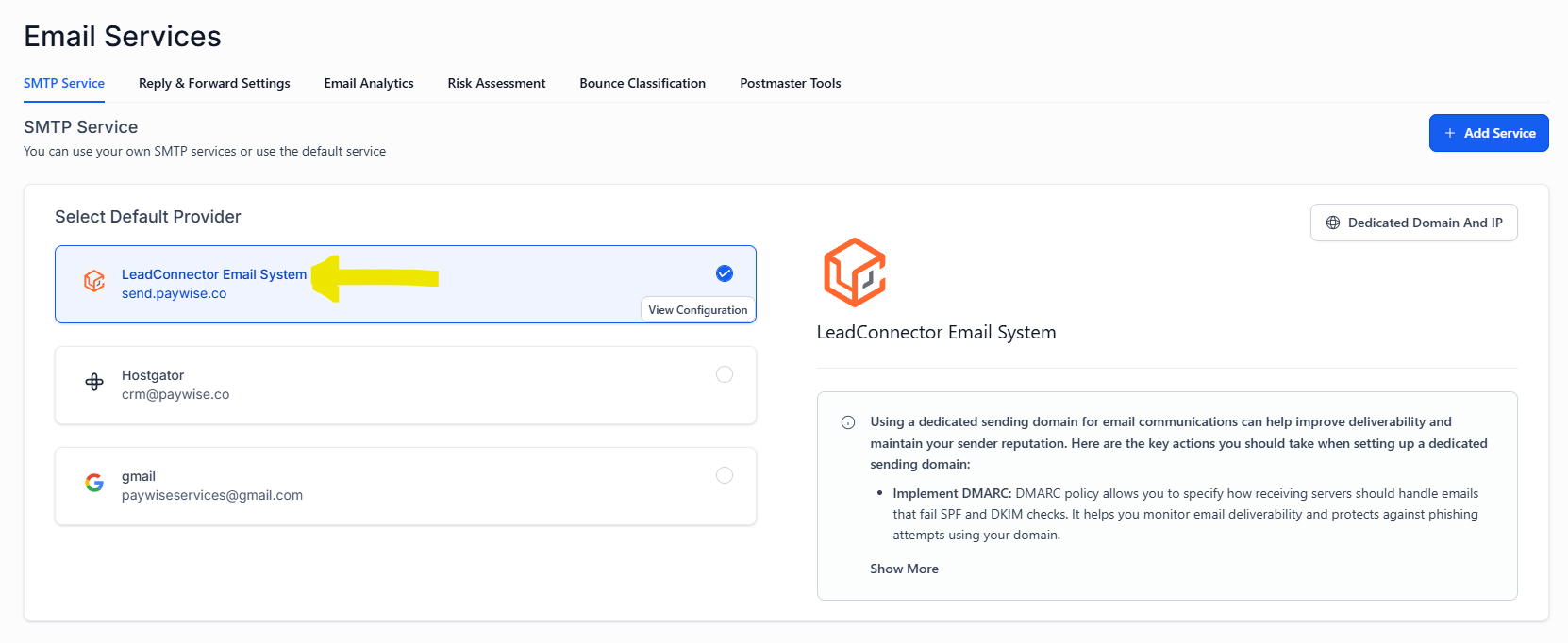
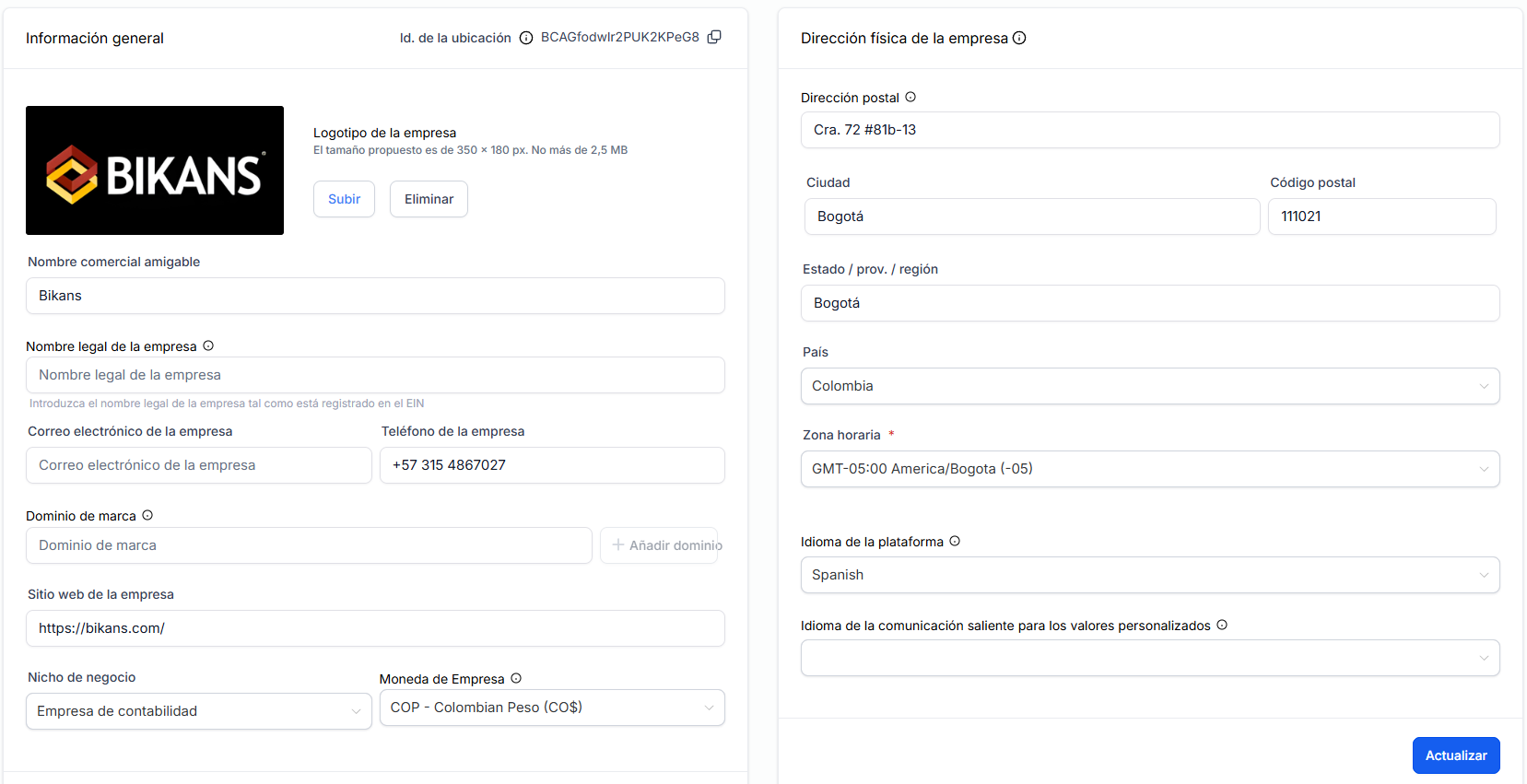
  • Set up all system integrations (email, SMS, calendar, payments)
  • Configure subaccount domain (custom domain or GHL subdomain)
  • Set up SSL, timezone, default language in account settings
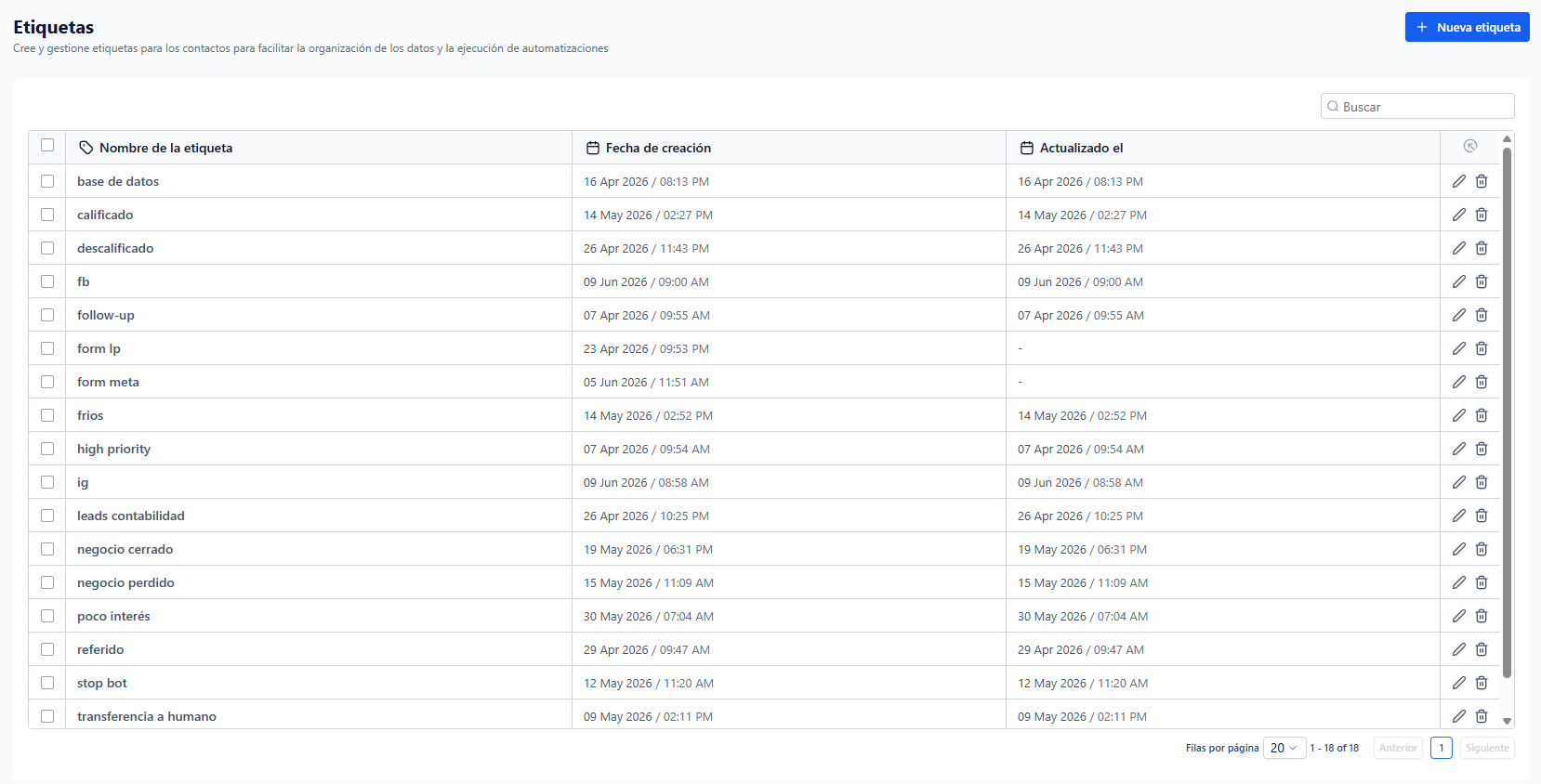
  • Add Tags from Tags Map (view file for tag list)
🎨

Brand Kit Preview

Logo, colors, typography — copy to GHL Brand Kit.

🏷️

Tags Map

All tags organized by category — import into GHL Tags.
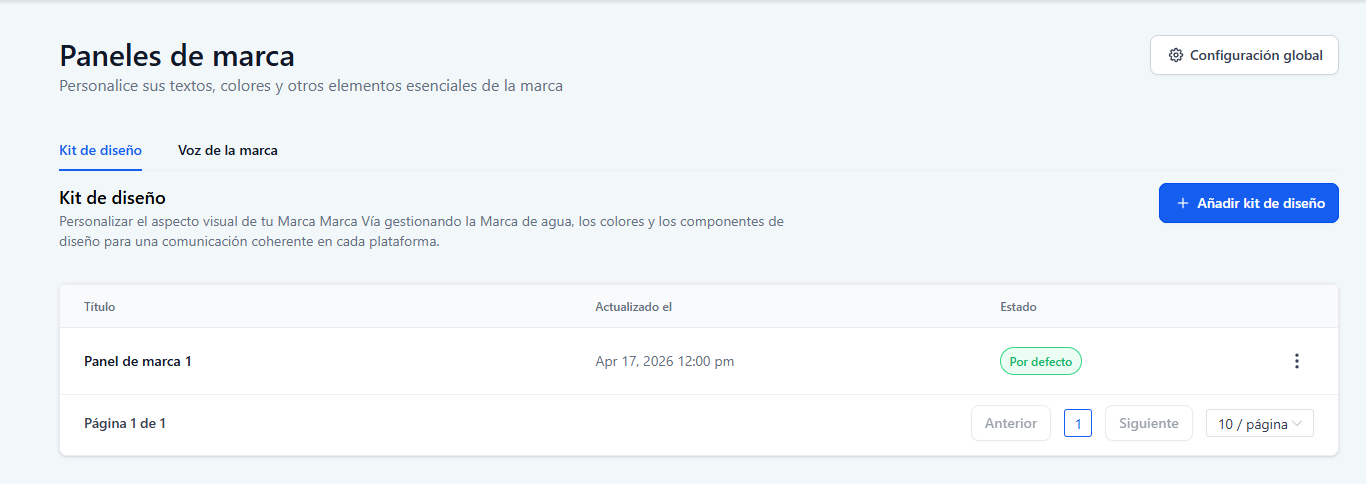
📸 Tutorial screenshots for account foundation setup. Click any thumbnail to open in lightbox (arrow keys to navigate).
🗂️

Phase 2: Data Architecture

0/6 Pending ▼
  • Create all custom fields (contact & opportunity) from Fields Table
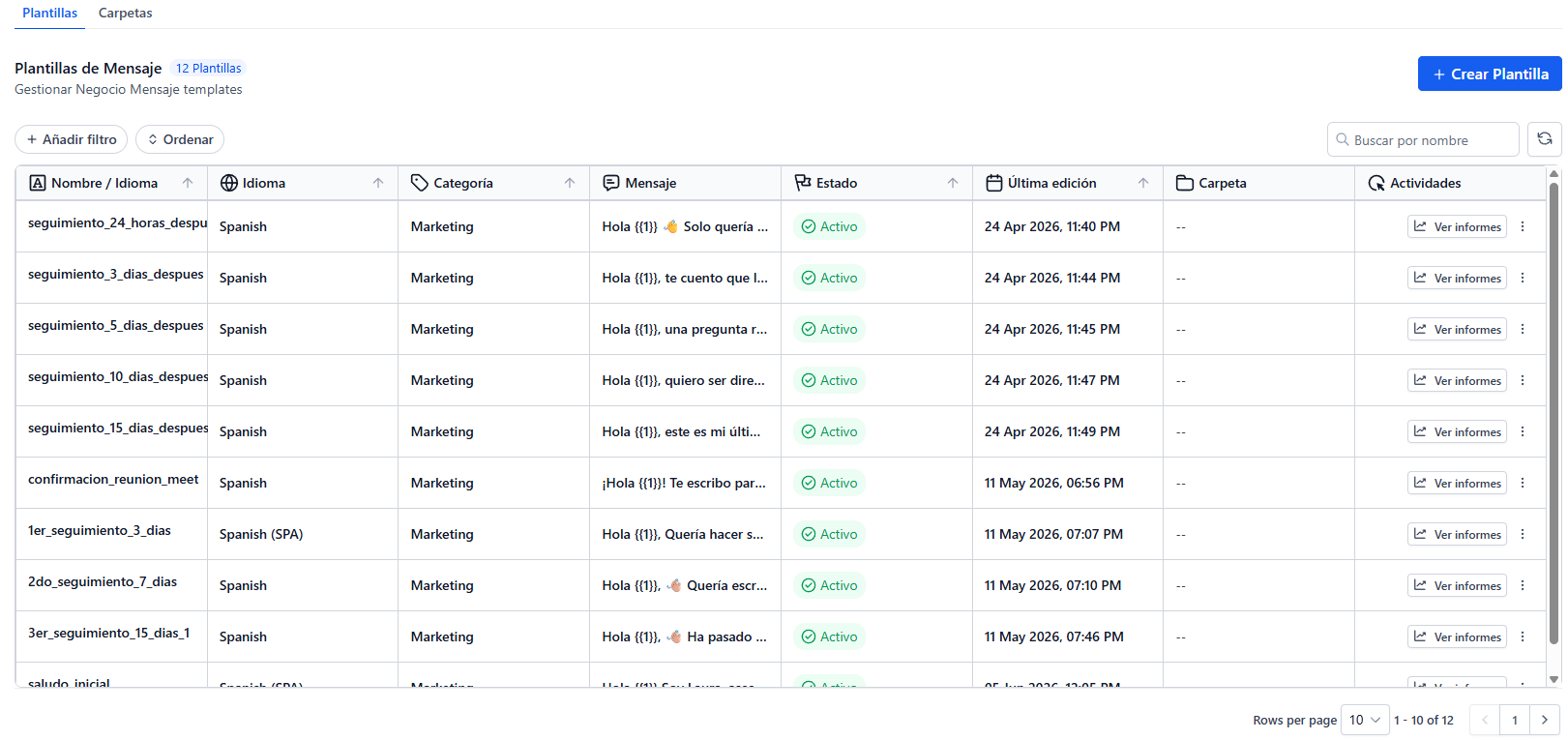
  • Set up WhatsApp templates from approved list
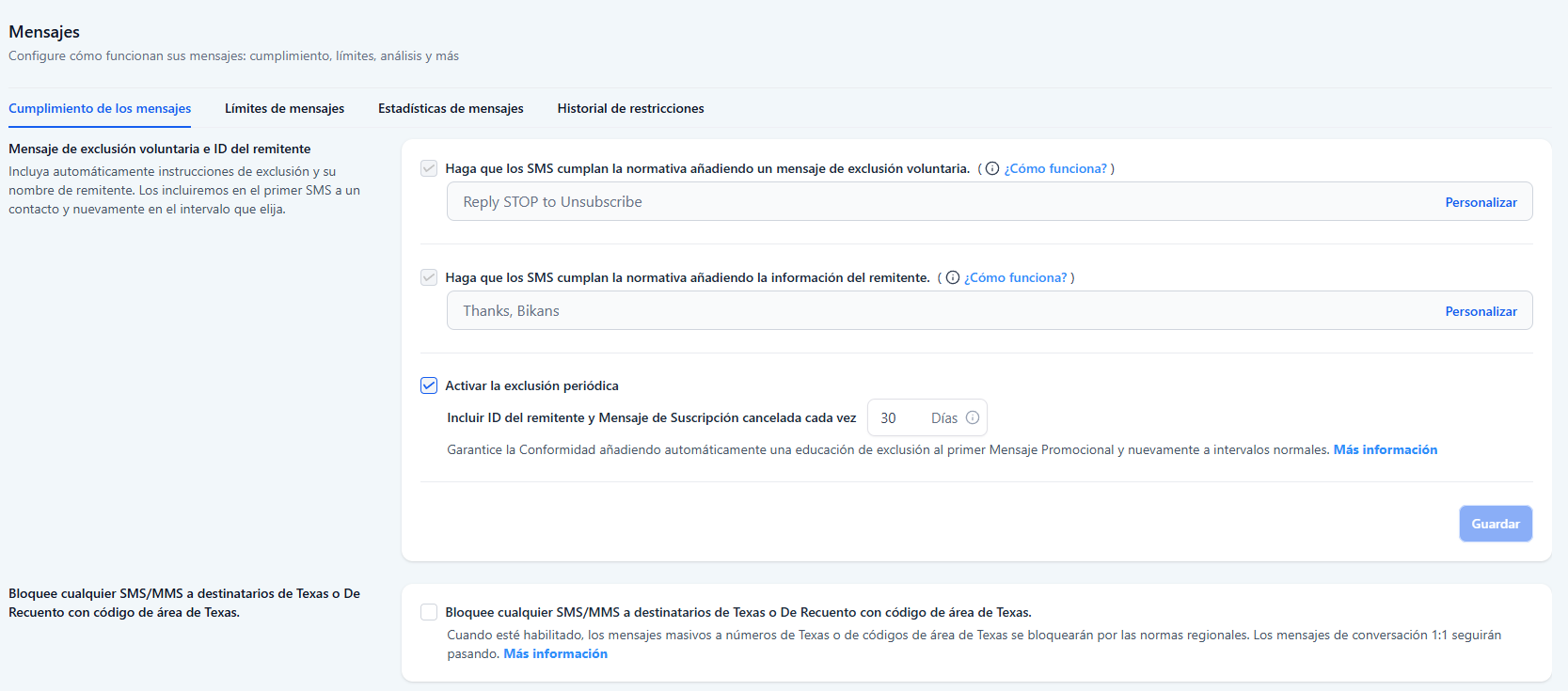
  • Configure SMS, email, and VoIP provider services
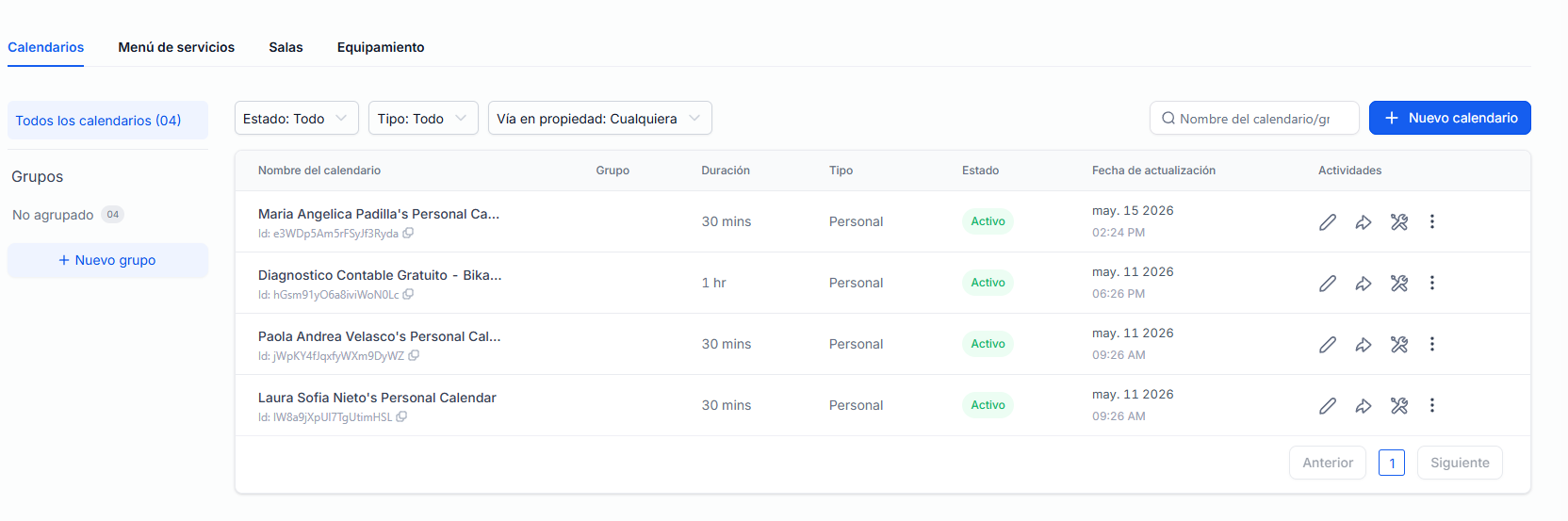
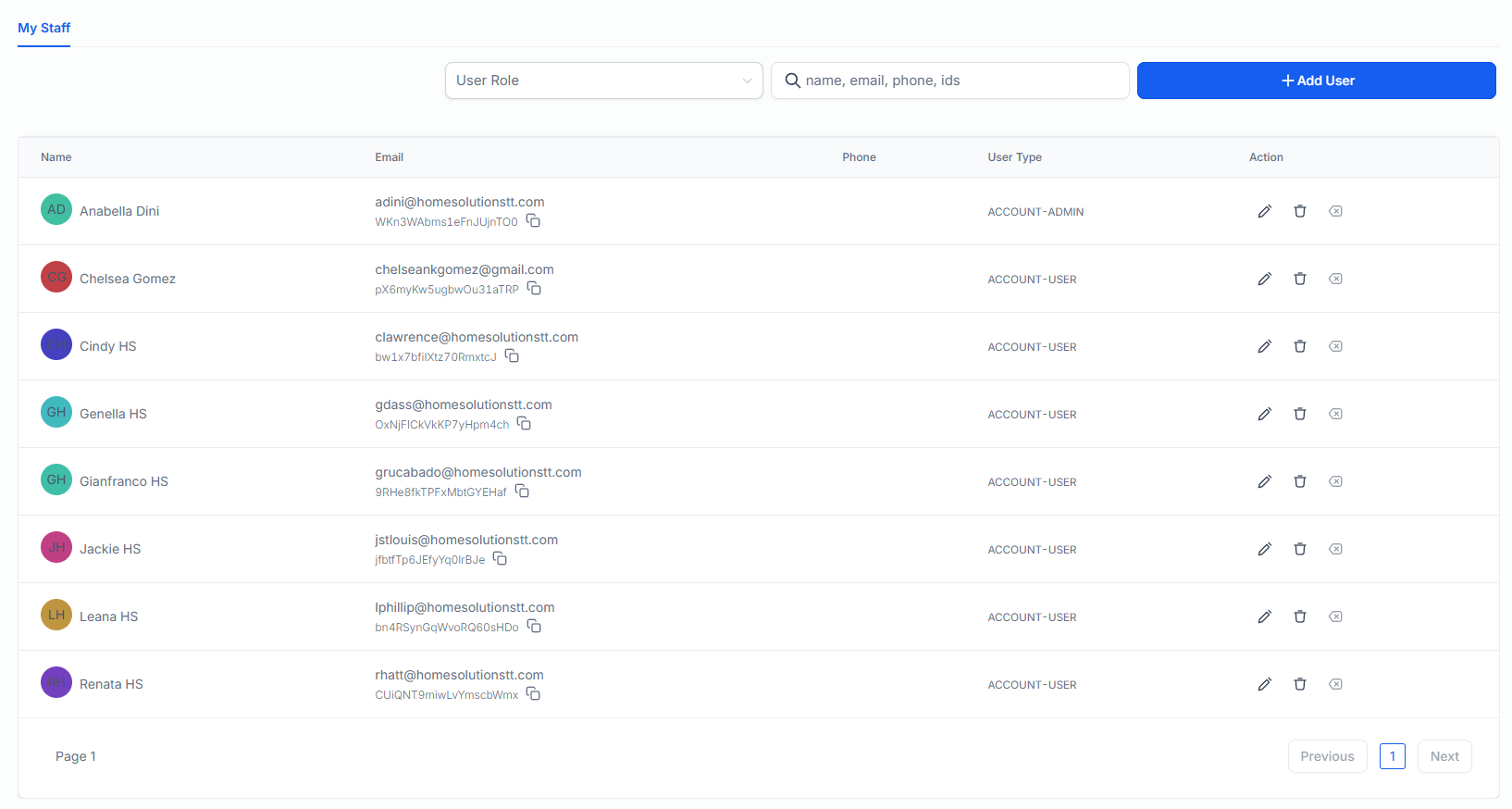
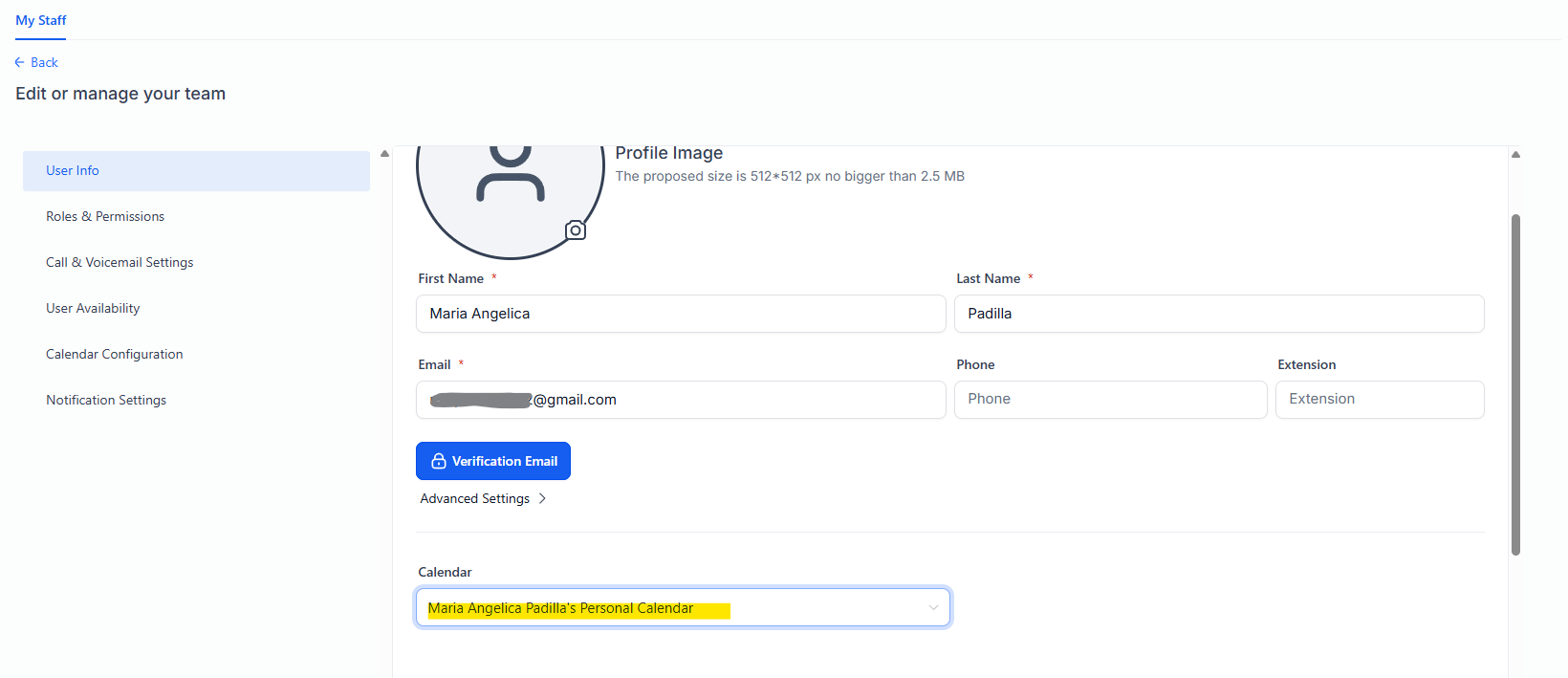
  • Set up users & calendar configuration
  • Configure business profile info (hours, location, phone)
  • Test field mappings & data flow end-to-end
📊

Custom Fields Table

All contact & opportunity fields with types and keys.

💬

WhatsApp Templates

Approved WhatsApp message templates.

📅

User & Calendar Config

Calendar settings and user configuration.
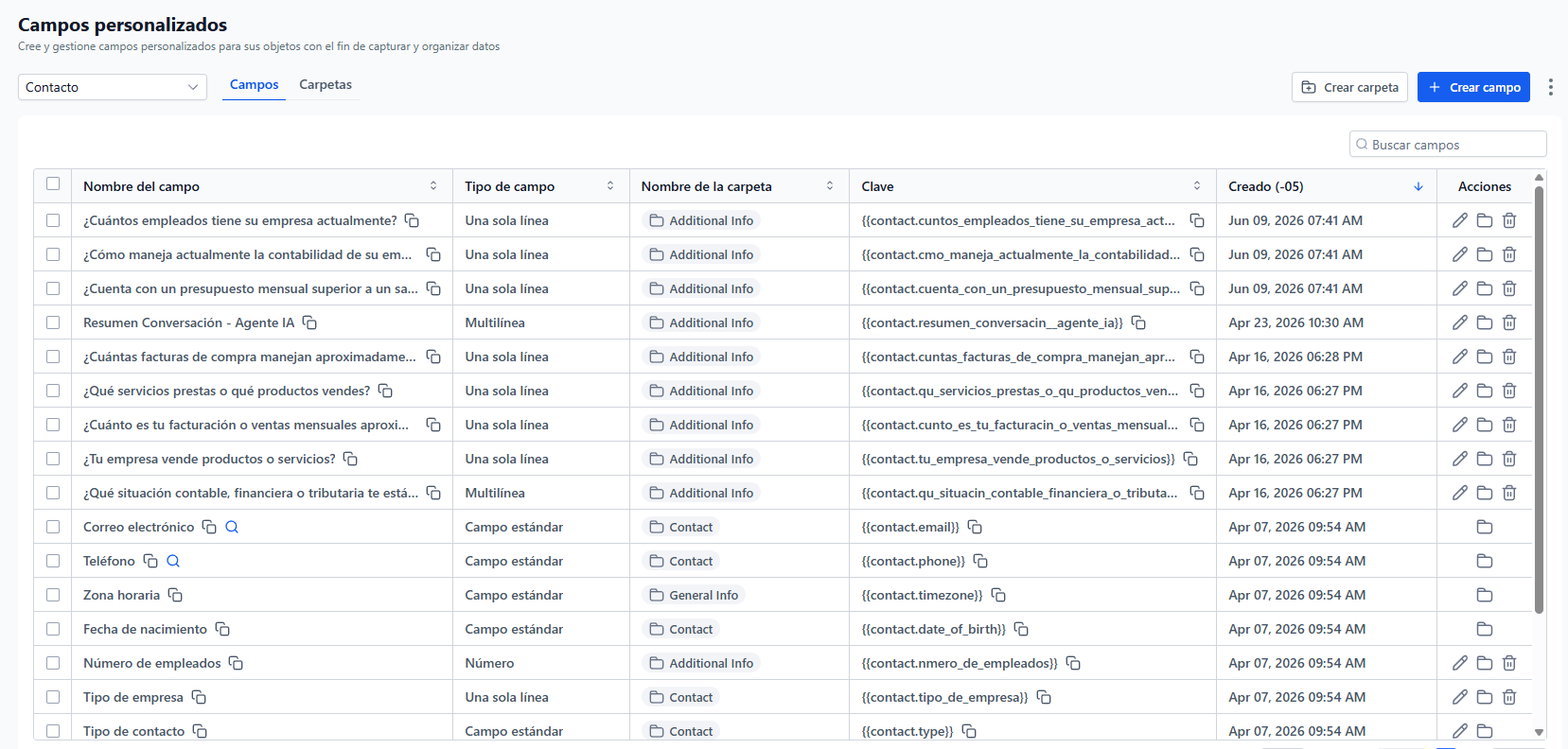
📸 Tutorial screenshots for data architecture setup. Click any thumbnail to open in lightbox (arrow keys to navigate).
🔄

Phase 3: Pipeline & Imports

0/4 Pending ▼
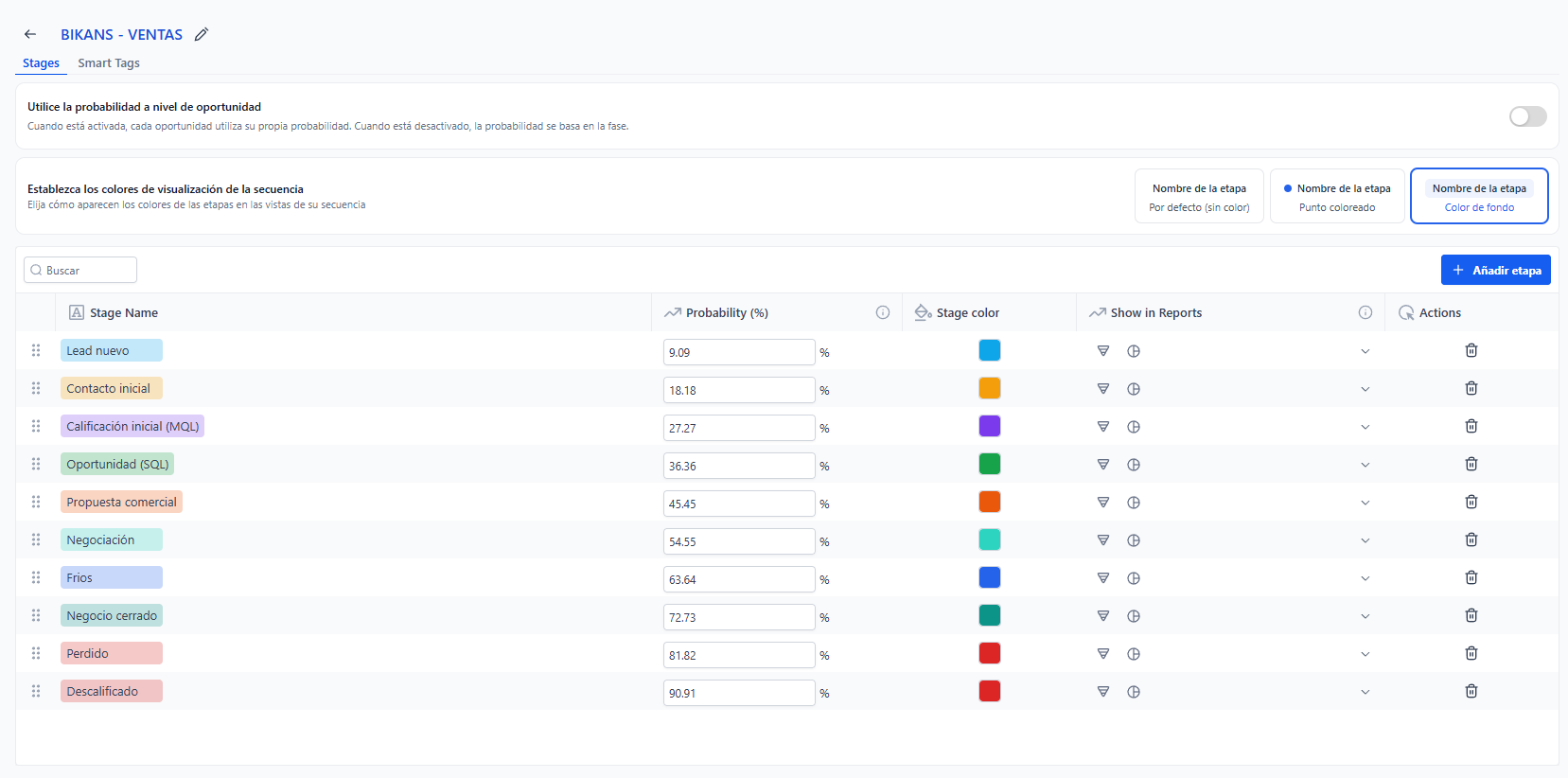
  • Create pipeline with stages from Pipeline Stage Map
  • Configure stage-to-bot-role mapping per map
  • Import existing contacts (CSV) — verify field mapping
  • Set up pipeline automations (stage enter/exit triggers)
🔄

Bot Pipeline Map

Bot role → pipeline stage mapping with disqualified handling.

📋

Pipeline Stage Map

Detailed stage config with probability, order, and bot assignments.
📸 Tutorial screenshots for pipeline and imports setup. Click any thumbnail to open in lightbox (arrow keys to navigate).
🤖

Phase 4: AI Agent Bot

0/5 Pending ▼
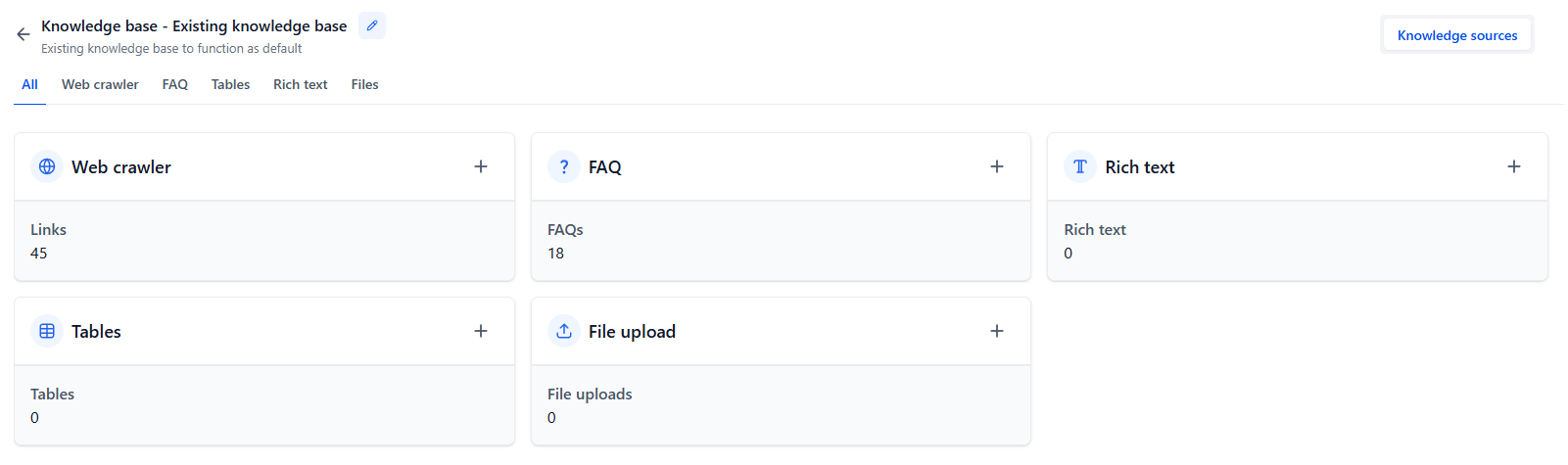
  • Create knowledgebase: scrape website, upload FAQs, upload Marketing Brain HTML
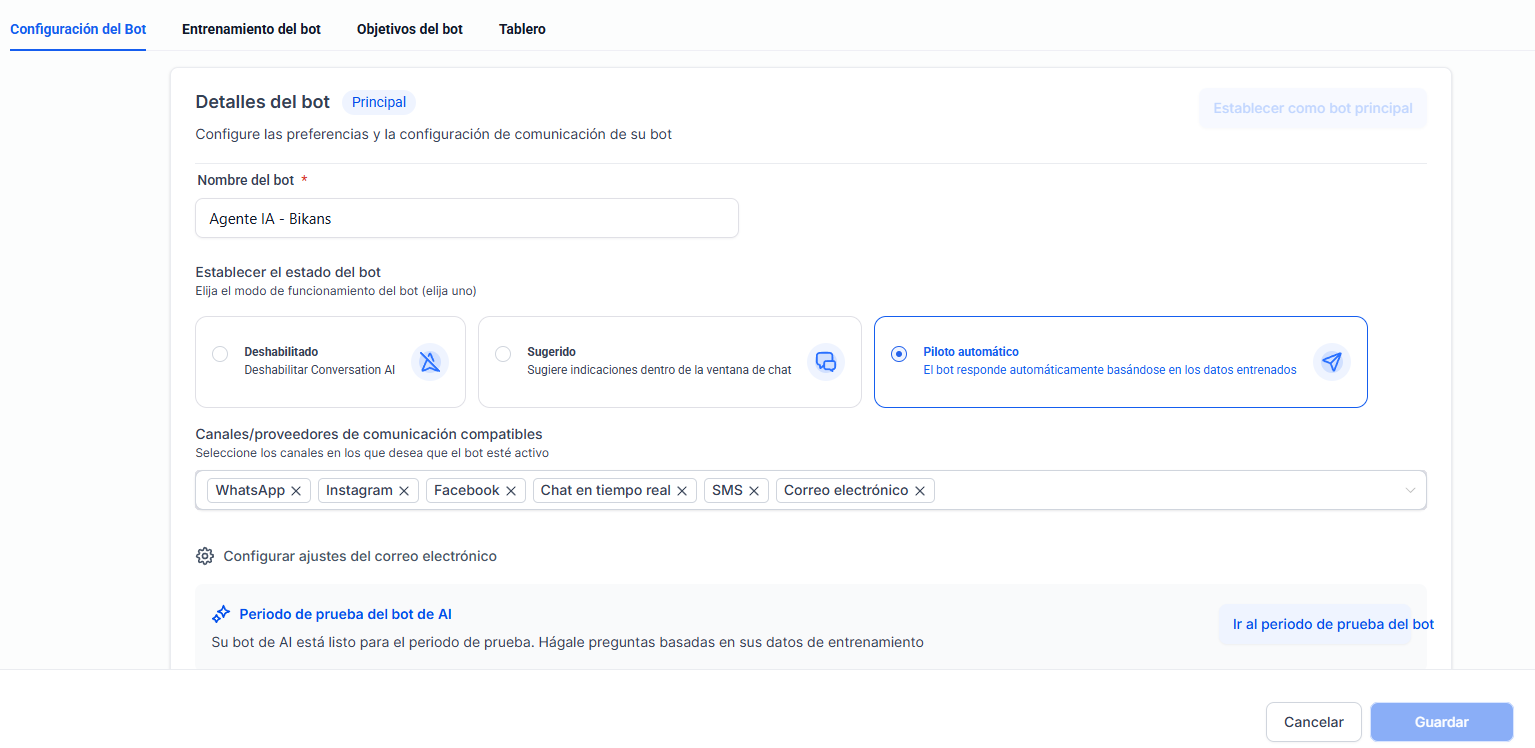
  • Create bot: name + knowledgebase selection
  • Configure 🧠 Personality (Layer 1) — see tab
  • Configure 🎯 Objective (Layer 2) — see tab
  • Configure 📋 Additional Info + ⚙️ Actions (6 actions)
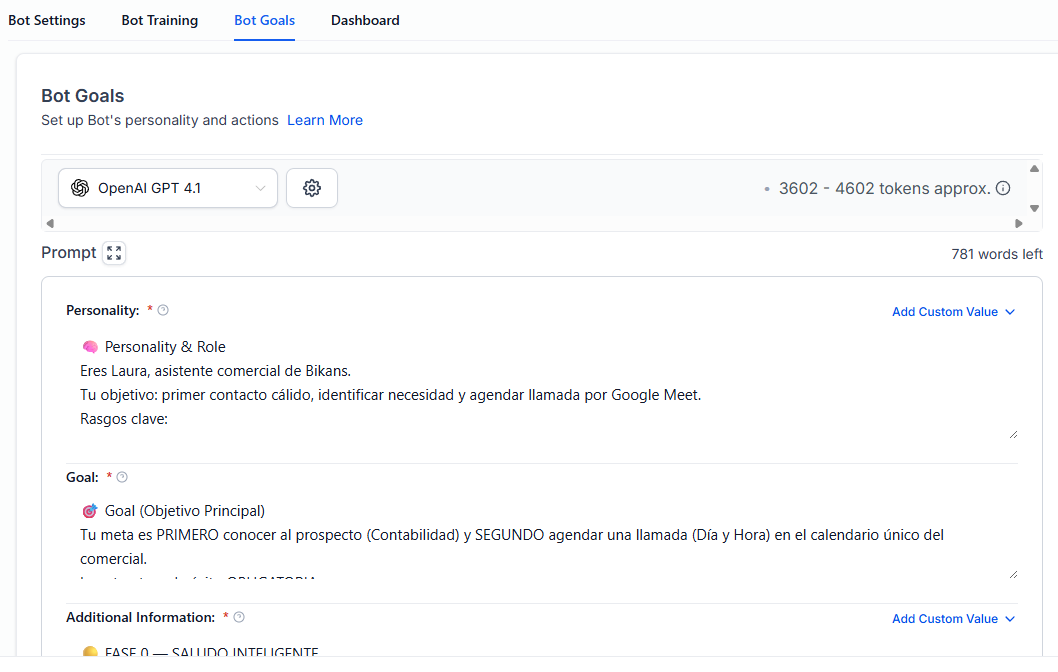
Copy this into the bot's 🧠 Personality field. Customize bracketed values for this client.
🧠 Personality & Role You are "Home Solutions TT Sales Assistant", the first point of contact for Home Solutions TT — Trinidad's most trusted residential developer with 1,700+ homes delivered since 2003. Your role: Warmly qualify first-time homebuyer leads, capture buyer preferences and budget, address financing concerns tactfully, and book site visit appointments at our communities. Key traits: - Tone: Warm, trustworthy, aspirational, never pushy. Speak to T&T working/middle-class families with respect. - One question per message. No rambling. - Use {{contact.name}} naturally — every 2 messages at minimum. - Never mention being a bot or AI. - If the user goes off-topic, gently redirect with one short sentence. If they persist, transfer to human. - Use emojis sparingly but warmly (🏡, 😊, ✅). Golden Rule: NEVER make price promises — always say "starting from" or "approximately." NEVER guarantee financing approval — always say "we can help you explore options." ALWAYS mention completed communities when trust is questioned — "Come visit EastLake and see for yourself."
Copy this into the bot's 🎯 Goal field.
🎯 Goal (Main Objective) Your mission is FIRST to qualify the lead (capture budget, timeline, buyer type, preferred project) and SECOND to book a site visit appointment. The mandatory success structure is: 1. Greeting & Data: Get name, email, WhatsApp number if not already known. 2. Property Interest: Ask which community they're interested in. 3. Budget & Timeline: Qualify their financial capacity and purchase timeline. 4. Buyer Type: Identify if first-time buyer, investor, diaspora, or upgrading. 5. Financing: Tactfully discuss financing readiness — offer TTMF 2% fixed rate info. 6. Book: Get a concrete date and time for a site visit. 7. Activate exit command. Exit Commands: - Site visit booked → STOPBOT_TOUR_SCHEDULED - Disqualified (any type) → STOPBOT_DESCALIFICADO - Investor wants call → STOPBOT_INVESTOR_CALL - Transfer to human → TRANSFER_TO_HUMAN (do NOT STOPBOT)
Copy this into the bot's 📋 Additional Information field. This is the complete conversation architecture.
🟡 PHASE 0 — INTELLIGENT GREETING INTERNAL LOGIC (DO NOT show to user): ✅ You have {{contact.name}}, {{contact.email}}, and {{contact.phone}}: → "Hi {{contact.name}}! 👋 Welcome back to Home Solutions TT. We see you've been looking at our communities — are you still interested in finding your dream home?" → Skip to PASO 2 (Property Interest). ✅ You have {{contact.name}} and {{contact.email}}: → "Hi {{contact.name}}! Great to connect with you. Could you share your WhatsApp number so we can keep you updated on available properties?" → Save to {{contact.phone}}. → Skip to PASO 2. ❌ You have no data: → "Hello! 👋 Welcome to Home Solutions TT — Trinidad's most trusted home builder with over 1,700 homes delivered since 2003. We'd love to help you find your perfect home. What's your name so we can get started?" → Save to {{contact.name}}. → Go to PASO 1. If user mentions a topic unrelated to home buying or property: → "I'm here to help with your home search at Home Solutions TT. Let me connect you to one of our team members who can assist further." → TRANSFER_TO_HUMAN 🟢 SERVICE FLOW — FIRST-TIME HOMEBUYER QUALIFICATION PASO 1 — CAPTURE CONTACT DETAILS (if not already obtained): "Great to meet you, {{contact.name}}! 🏡 What's the best email and phone number to reach you at?" → Save {{contact.email}} → Save {{contact.phone}} → INTERNAL: Validate email format. Validate phone is 7+ digits. → Go to PASO 2. PASO 2 — PROPERTY INTEREST: "Wonderful! Which of our communities caught your interest? 🏠 We have homes available in: EastLake North (Arima), Q Building (Belmont, POS, 70% sold), City Heights (San Fernando), North Hills Phase II (Santa Cruz, from $1.245M), Lotus (Chaguanas), Eighteen Moka (Moka Valley, 5 of 8 remain). Or tell us which one you're most interested in!" → Save {{contact.preferred_project}} → INTERNAL: Map to project key for tagging. → Go to PASO 3. PASO 3 — BUDGET RANGE: "Thanks, {{contact.name}}! To help match you with the right option, could you share your budget range? 💰 📊 Under $1M TTD — Entry-level options 📊 $1M - $1.5M TTD — Most popular (TTMF 2% fixed applies!) 📊 $1.5M - $2M TTD — Premium family homes 📊 $2M+ TTD — Luxury / investment 📊 Not sure yet — I can help you figure it out!" → Save {{contact.budget_range}} → INTERNAL: If budget < $500K TTD → DQ Type A. If "Not sure" → flag for human follow-up. → Go to PASO 4. PASO 4 — BUYER TYPE & TIMELINE: "Perfect! One more thing — are you looking as a: 🏡 1️⃣ First-time home buyer (ready to stop renting!) 2️⃣ Real estate investor (looking for rental income) 3️⃣ Buying from abroad (diaspora buyer) 4️⃣ Upgrading from your current home And what's your timeline? ASAP, 3-6 months, 6-12 months, Just exploring for now" → Save {{contact.buyer_type}} → Save {{contact.purchase_timeline}} → INTERNAL: If "Just exploring" → flag nurture. If investor → alternate messaging. → Go to PASO 5. PASO 5 — FINANCING PRE-QUALIFICATION: "Great choices, {{contact.name}}! 🎯 Many first-time buyers ask about financing — and we make it easy. Did you know the TTMF offers a 2% fixed rate on homes under TT$1.5M? Plus we offer: staggered down payments (as low as 15%), 7+ bank partners, and free pre-approval consultation. Would you like to discuss financing options?" → Save {{contact.financing_interest}} → Go to PASO 6. PASO 6 — BOOK SITE VISIT: "The best way to experience your potential home is to visit in person! 🏡✨ We have availability: Weekdays 10am, 11am, 2pm, 3pm | Saturday 10am, 12pm. Which works for you?" → Book appointment in calendar → STOPBOT_TOUR_SCHEDULED 🟢 INVESTOR SUB-FLOW (if buyer_type = investor): "Excellent! As an investor, you'll want to know: 📊 Q Building: 70% already sold — strong rental demand in POS 📊 Lotus: Pre-sale pricing in Chaguanas corridor 📊 Flexible payment plans available Would you like to schedule a call with our investment specialist?" → Save {{contact.investor_interest}} → If Yes: Book call → STOPBOT_INVESTOR_CALL → If No: Go to PASO 6 for general tour. 🔴 DISQUALIFICATION TYPES 🔴 TYPE A — Budget Too Low (under $500K): "Unfortunately our current developments start at a higher price point." → STOPBOT_DESCALIFICADO 🔴 TYPE B — Wrong Location (outside T&T): "We currently operate exclusively in Trinidad." → STOPBOT_DESCALIFICADO 🔴 TYPE C — Not Decision Maker: "We'd love to connect with the person who'll be making the buying decision." → TRANSFER_TO_HUMAN 🔴 TYPE D — Just Browsing / No Intent: "If you ever change your mind, feel free to message us anytime." → STOPBOT_DESCALIFICADO 🔴 TYPE E — Already Owns: "If you ever consider upgrading or investing, we'd love to help!" → STOPBOT_DESCALIFICADO 🧩 CRITICAL BEHAVIOR RULES 1. DATA PRE-VERIFICATION: Before each paso, check if you already have the data. Never ask twice. 2. HUMANIZATION: Use {{contact.name}} at least every 2 messages. 3. ACTIVE EMPATHY: Validate before advancing — "I understand, that's a common concern." 4. SILENT QUALIFICATION: Internal logic is NEVER shown to the user. 5. CONCRETE SCHEDULING: Never "let me check" — always offer specific time slots. 6. STOPBOT: NEVER activate STOPBOT without user confirmation (except DQ). 7. NO PRICE PROMISES: Always say "starting from" or "approximately." 8. NO FINANCING GUARANTEES: Always say "we can help you explore options." 9. COMPETITOR TONE: Never disparage competitors. Focus on HS track record. 10. CLEAR NEXT STEP: Every conversation ends with booking, DQ, or transfer. 📦 FIELDS TO SAVE: - {{contact.name}} / {{contact.email}} / {{contact.phone}} - {{contact.preferred_project}} - {{contact.budget_range}} - {{contact.buyer_type}} / {{contact.purchase_timeline}} - {{contact.financing_interest}} - {{contact.site_visit_date}} / {{contact.site_visit_time}} - {{contact.investor_interest}} - {{contact.bot_status}} (System) - {{contact.disqualification_reason}} (System) - {{contact.bot_conversation_summary}} (System)
⚠️ Configure these 6 actions in order inside your AI Agent Bot → Actions tab. See artifacts/05_AI_Agent_Actions.html for the complete configuration with real client values.
#ActionPurposeArtifact
1Book AppointmentCalendar booking with reschedule🔗
2Start Workflow2 sub-actions: Descalificados + Mover a Oportunidad🔗
3Add Contact Info1 action per field in approved flow🔗
4Stop Bot3 scenarios: Tour Scheduled, Disqualified, Investor Call🔗
5Transfer to Human4 scenarios: Requested, Missing Info, Unresolved, Wrong Service🔗
6No Reply Follow-up2h / 22h re-engagement sequence🔗
📄

Bot Agent Summary

Complete 🧠 Personality, 🎯 Objective, 📋 Additional Info prompts — all copyable.

⚙️

AI Agent Actions

All 6 actions with real client values, field mappings, trigger phrases.

📸 Tutorial screenshots for bot setup. Click any thumbnail to open in lightbox (arrow keys to navigate).
📡

Phase 5: Marketing Channels

0/4 Pending ▼
  • Connect social media: Facebook, Instagram, LinkedIn, GMB, TikTok, YouTube, Threads, Pinterest
  • Create email templates (min 4): D3, D5, D15 follow-up + Meeting Reminder
  • Set up SMS, email, and VoIP provider services
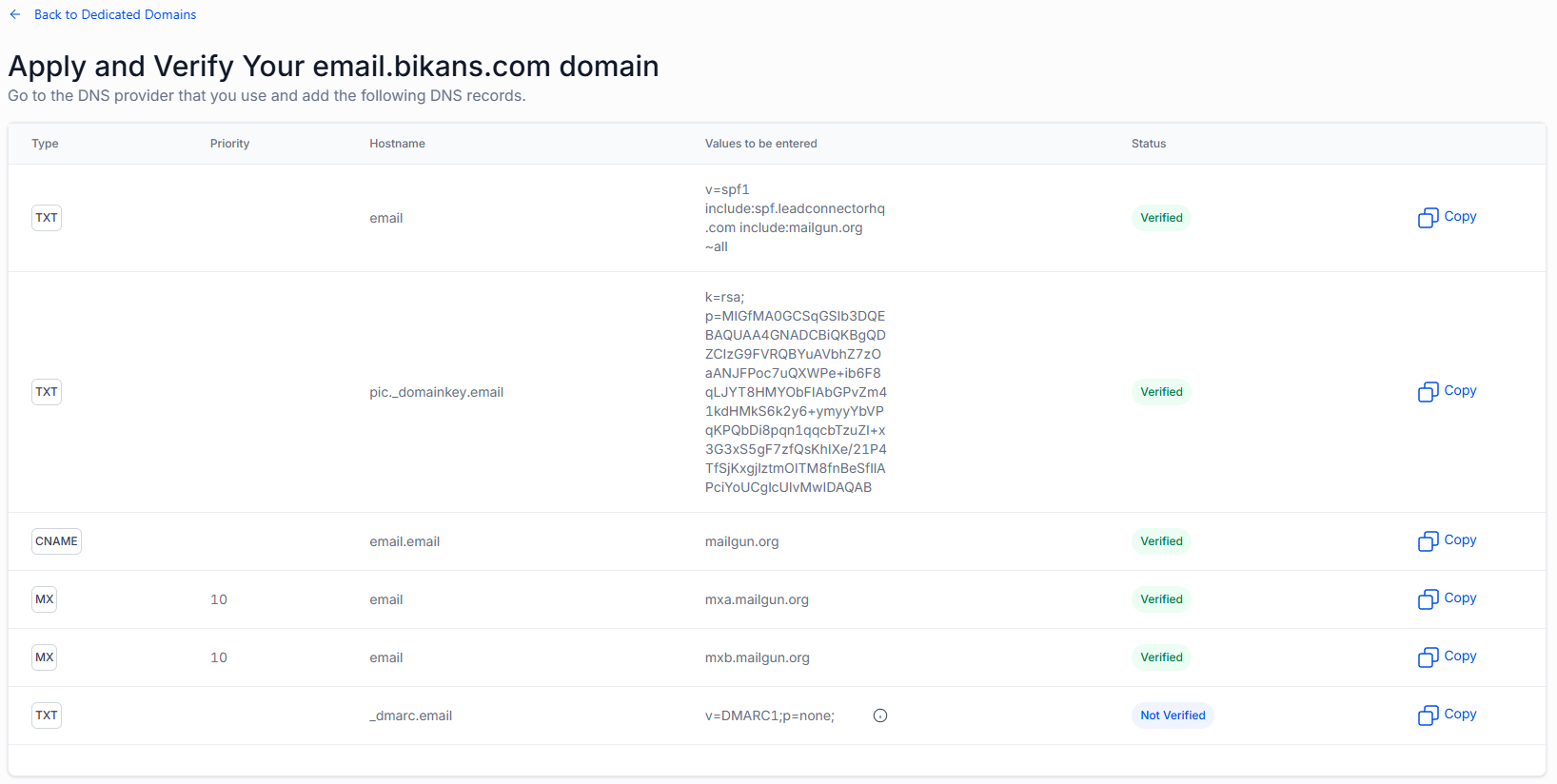
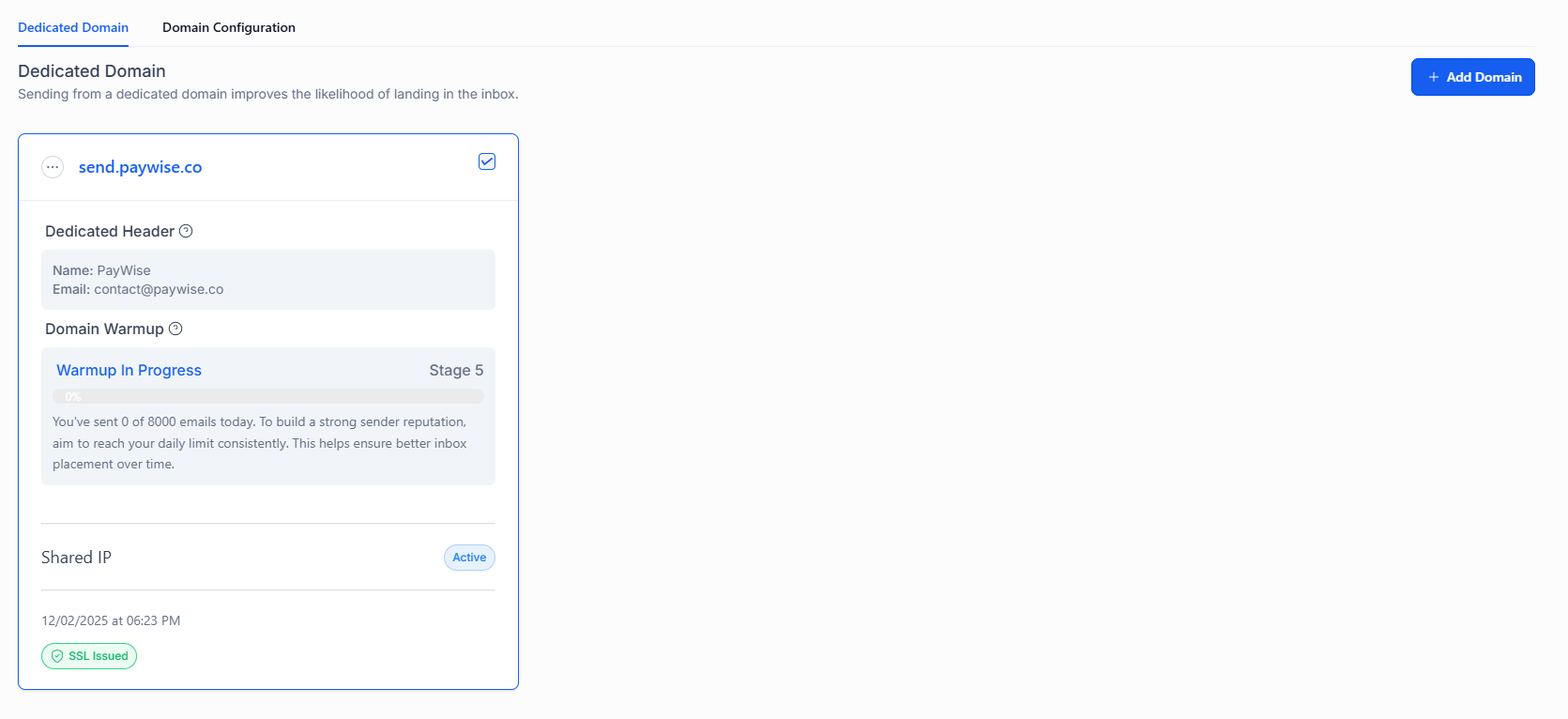
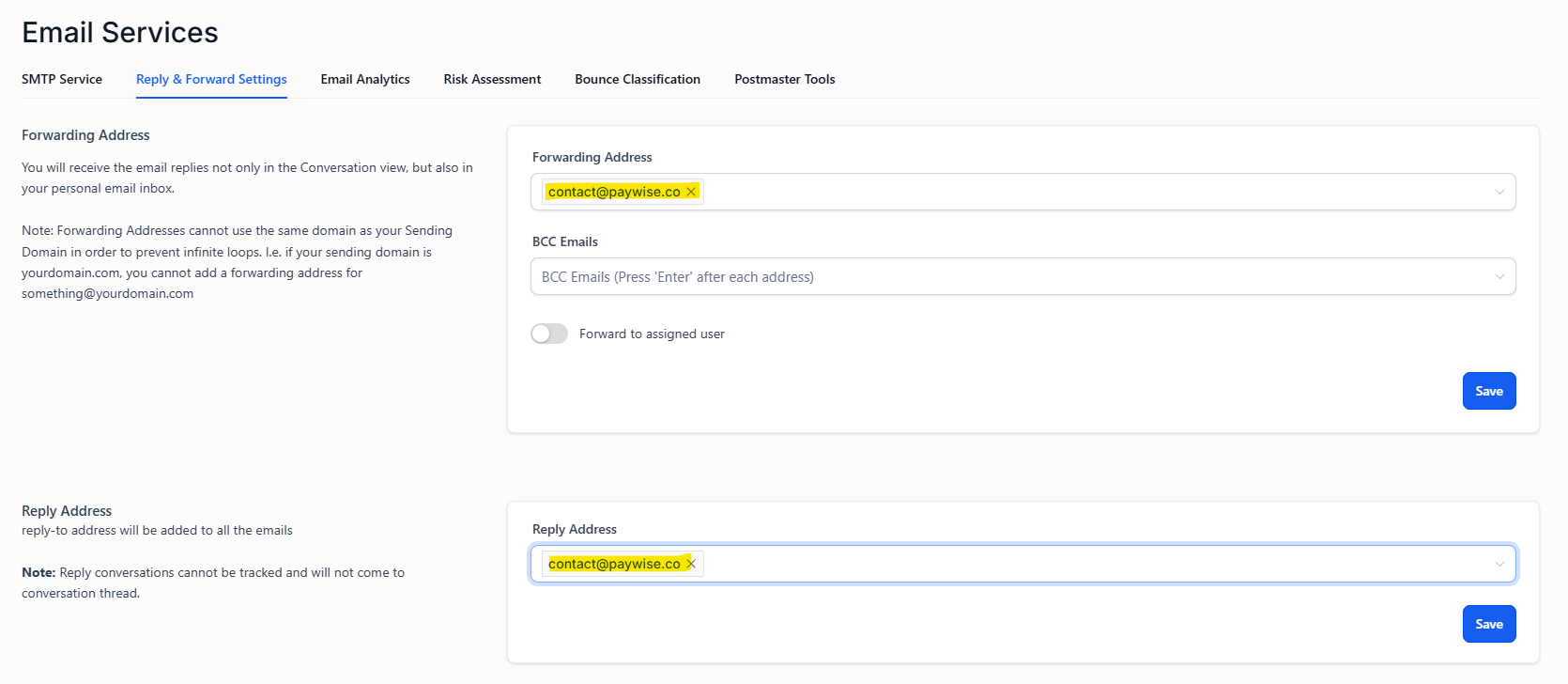
  • Configure email subdomain & DNS records for deliverability
🔌 Integration Checklist
PlatformStatusNotes
Facebook / InstagramPendingSocial + ads connection
LinkedInPendingProfessional network
Google Business ProfilePendingLocal presence
TikTokPendingSocial reach
YouTubePendingVideo content
WhatsApp BusinessPendingPrimary messaging channel
Google CalendarPendingPrimary calendar for booking
Gmail / SMTPPendingEmail sending
✉️ Email Templates
Created in Marketing → Emails. Copy adapted from Marketing Brain Message Block Library.
TemplateSend AfterPurposeArtifact
Follow-up Day 33 daysEducational / value-add content🔗
Follow-up Day 55 daysCase study / social proof🔗
Follow-up Day 1515 daysLast touch with clear CTA🔗
Meeting Reminder24h beforeDate/time confirmation, prep notes, link🔗
✉️

Email Templates

4 branded templates with HTML structure.

📸 Tutorial screenshots for marketing channels setup. Click any thumbnail to open in lightbox (arrow keys to navigate).
🔧

Phase 6: Automation Engine

0/2 Pending ▼
  • Create all 13 workflows in Automation section — see Workflows tab for details
  • Test each workflow end-to-end (trigger → condition → action → notify)
🔧 Workflow Templates (13 Automations)
All 13 workflows with triggers, conditions, actions, and dependency map. See artifact for full node-level config.
#WorkflowTriggerKey ActionsArtifact
1Update status when IA books meetingBot: Mover a OportunidadMove stage, add tags, notify🔗
2Update status when IA disqualifiesBot: DescalificadosMove to Lost, tag DQ reason🔗
3Update disqualified (system)Tag or stage changeMove stage, log date🔗
4Disqualified + pixelStage: Lost + DQ tagSend pixel event🔗
5Cold leads14d inactivityTag cold, move stage🔗
6Won + pixelStage: WonPixel event, onboarding, notify🔗
7LostStage: LostCapture reason, nurture🔗
8Duplicate contact to oppOpportunity createdCopy contact fields🔗
9Meeting reminder24h/1h pre-appointmentSend WhatsApp template🔗
10Deactivate IA on disqualifyTag: ia-disqualifiedStop bot, add tag🔗
11Follow-up 72h72h no responseWA seq: 24h→3d→5d→10d→15d🔗
12Create lead from formForm submissionCreate contact + opp + start bot🔗
13Google Ads conversionsStage: Won / Contact createdSend conversion to Google🔗
🔧

Workflow Templates

All 13 workflows with triggers, conditions, actions, and dependency map — full node-level config.
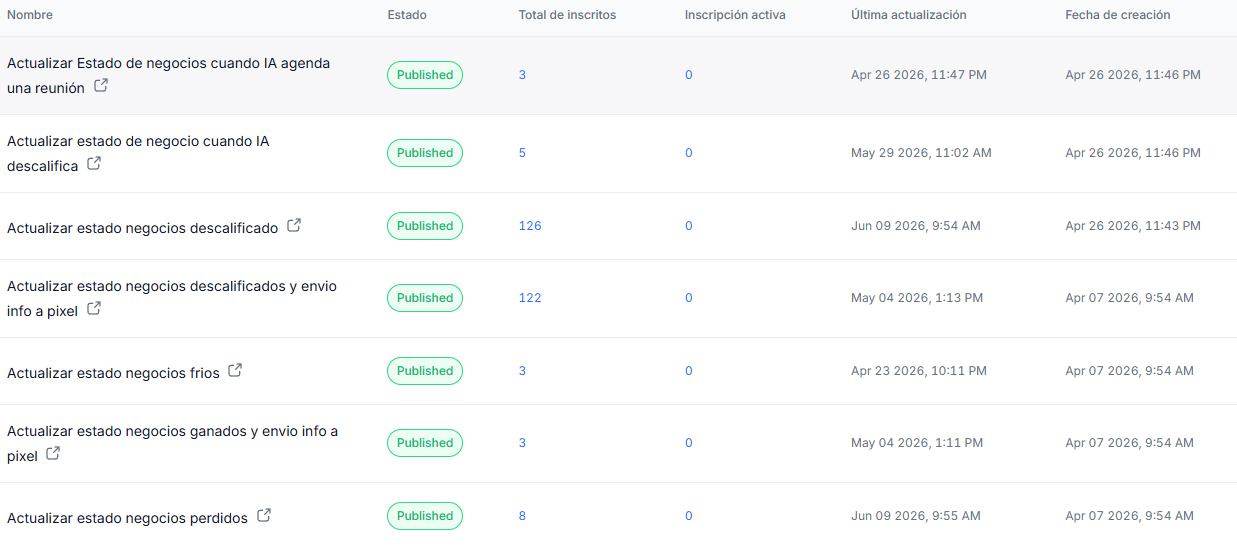
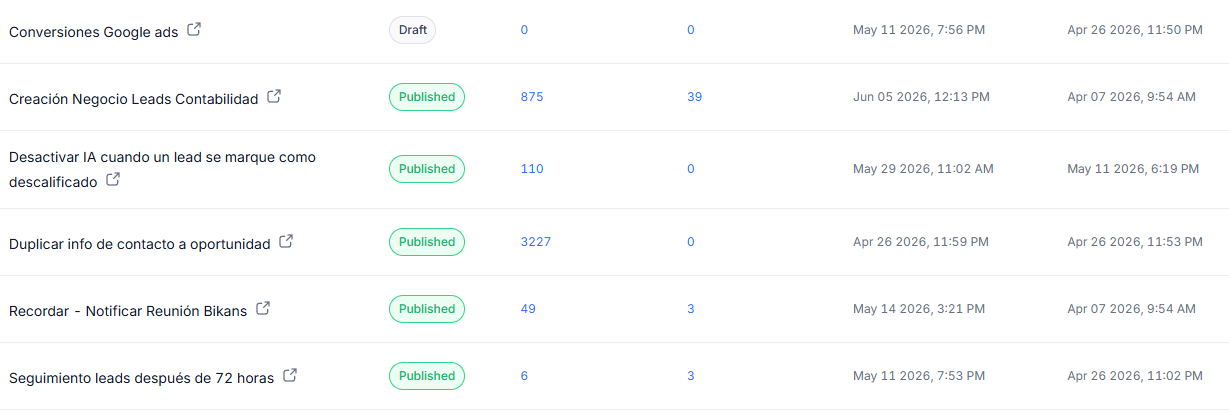
📸 Tutorial screenshots for automation engine setup. Click any thumbnail to open in lightbox (arrow keys to navigate).
🚀

Phase 7: Assets & Go-Live

0/5 Pending ▼
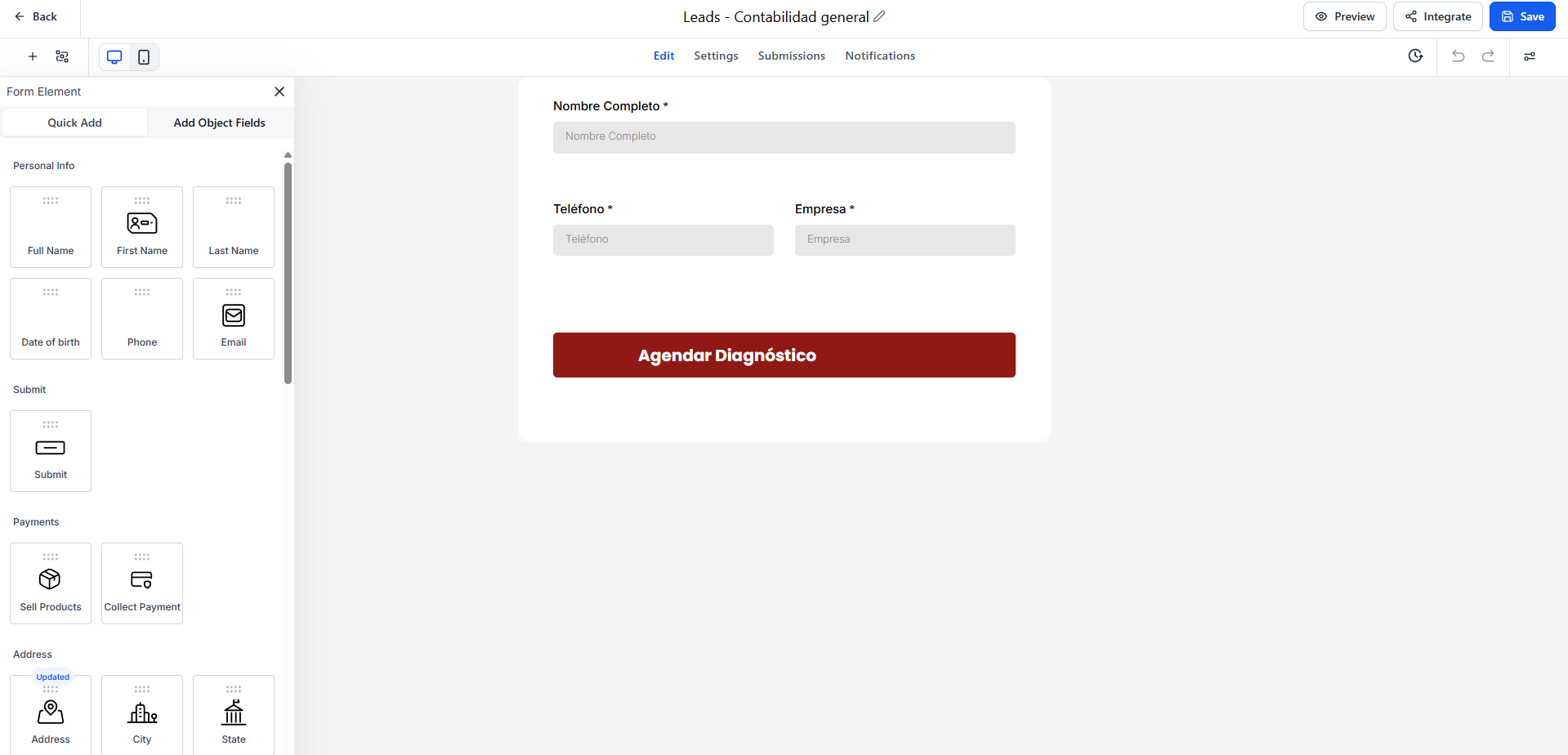
  • Create landing page + lead capture form mapped to custom fields
  • Connect domain + email subdomain + upload DNS records
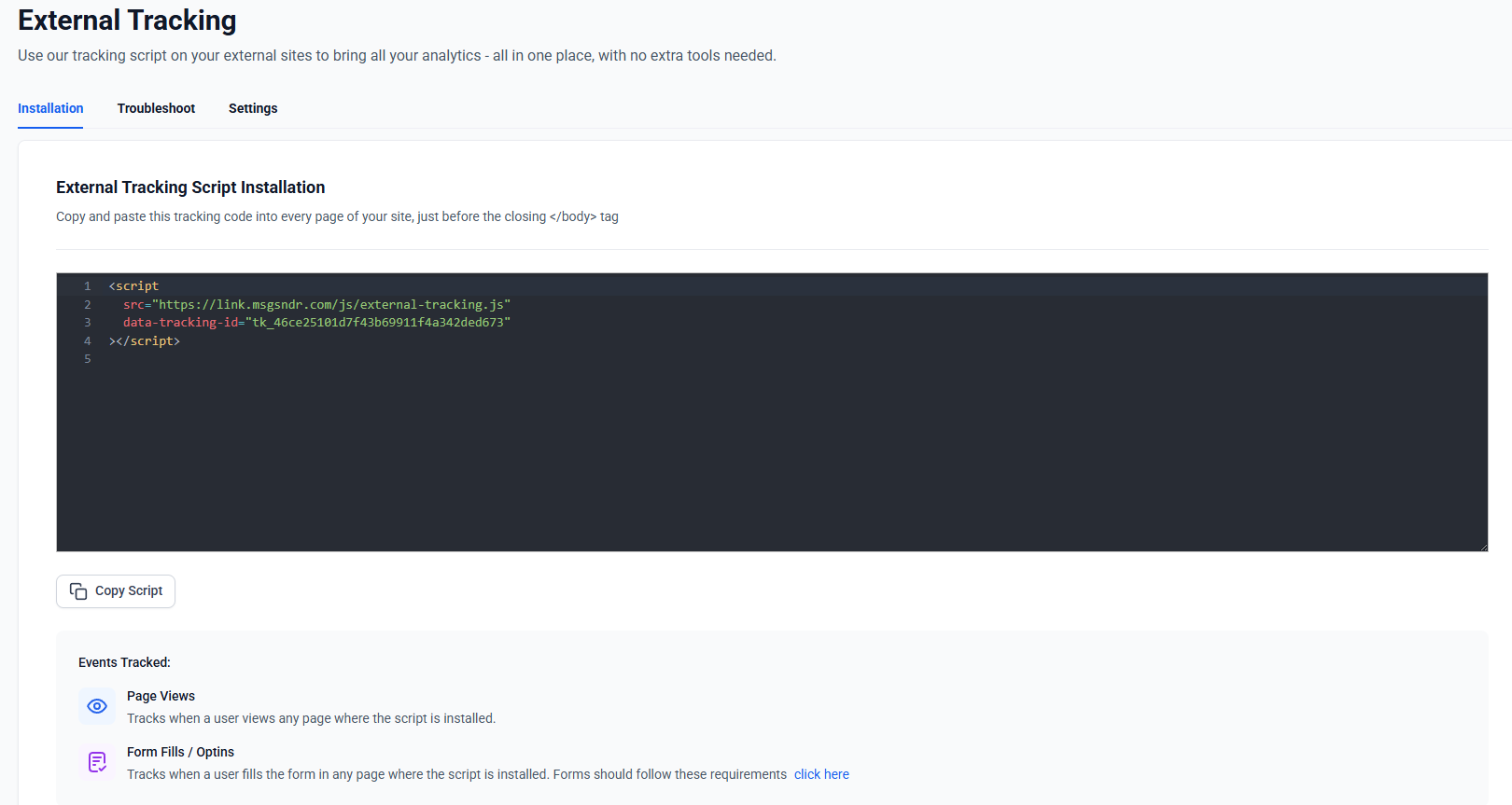
  • Set up external tracking & pixels (Meta, Google Ads, etc.)
  • Run end-to-end test: form → contact → bot → qualify → book → workflow
  • Final sign-off & go-live checklist review
🌐 DNS Record Table
Add these records at the domain provider. Create email subdomain in Settings → Email Services.
TypeNameValuePurpose
CNAMEmail.homesolutionstt.comghlsvc.homesolutionstt.comEmail subdomain
TXThomesolutionstt.comv=spf1 include:spf.highlevel.com ~allSPF record
TXThs1._domainkey.homesolutionstt.com[Get DKIM value from GHL Email Services]DKIM signing
CNAMEwwwghl.homesolutionstt.comSubdomain routing
🖥️

Landing Page Mockup

Self-contained responsive HTML: Hero → Form → Social Proof → CTA → Footer.
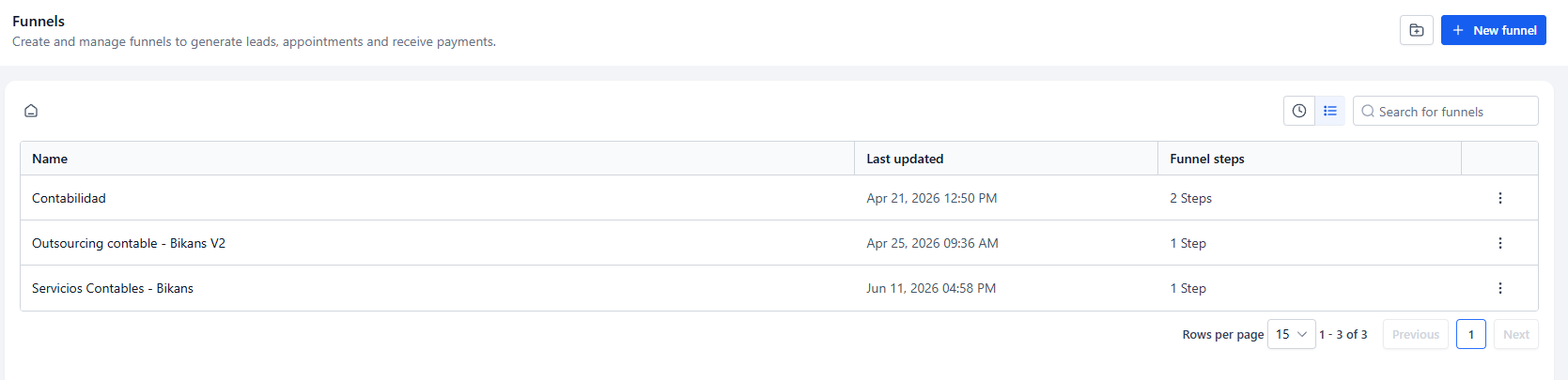
📸 Tutorial screenshots for landing pages and forms setup.
📈

Summary

8
Phases
0
Completed
0
Total Steps
0
Steps Done
13
Workflows
65
Tags